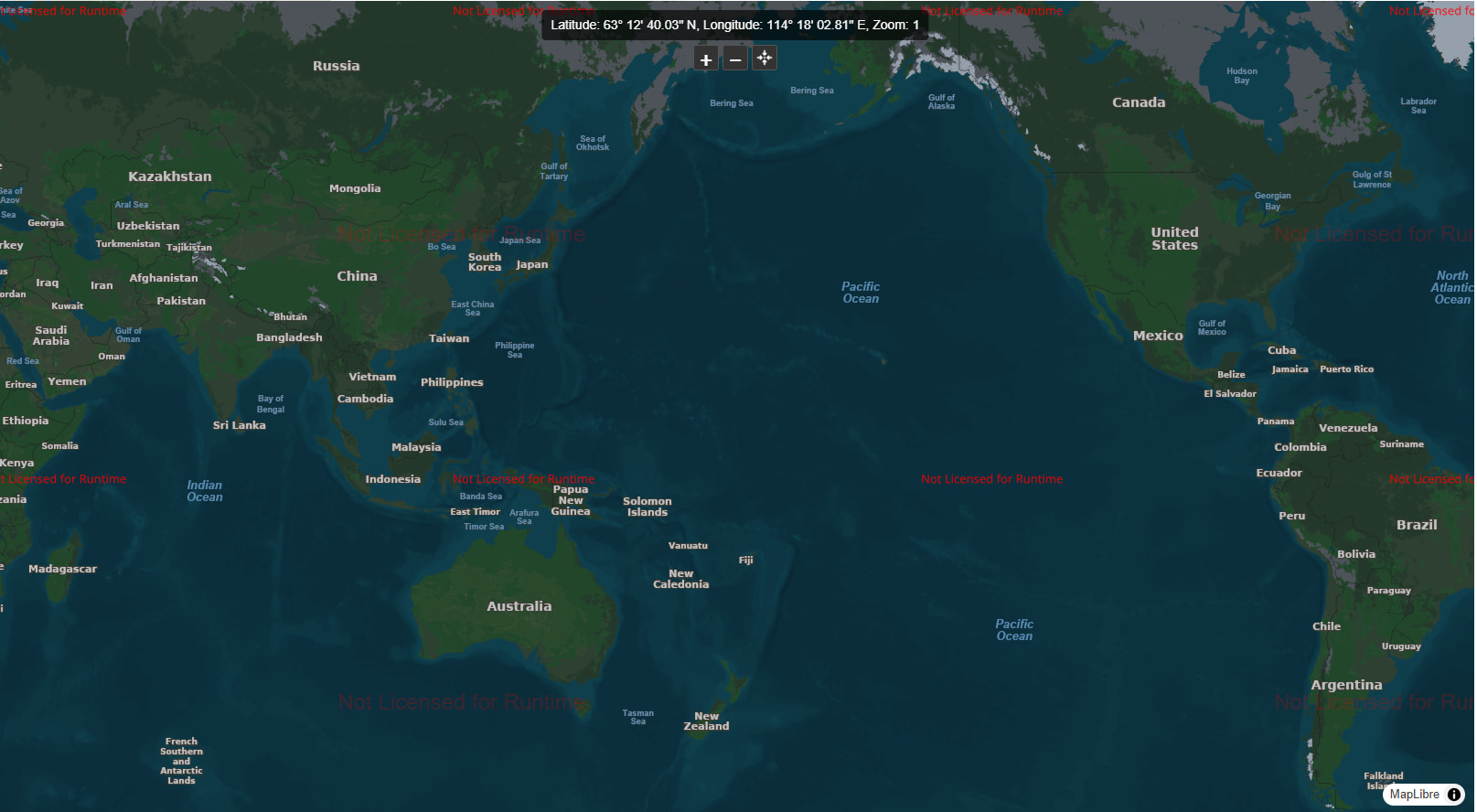
I downloaded the latest beat for 15 and am now seeing a Not Licensed for Runtime watermark
Hi James,
This beta switches to the new ThinkGeo 15 licensing. You no longer need Product Center or a deployment license: you download a license key once, every build checks it and embeds the license in your application, and you can manage your keys yourself on the help desk. Until a key is in place, maps show the Not Licensed for Runtime watermark. Here is how to set it up:
- Sign in at https://helpdesk.thinkgeo.com and open ThinkGeo 15 License Keys.
- Press Generate Key in the Web row (Blazor is in the Web family). Once it is generated, you can download the same key again at any time.
- Copy the downloaded file, with its name unchanged, to
%LOCALAPPDATA%\ThinkGeo\(on macOS or Linux,~/.thinkgeo/). Create the folder if it does not exist. - Update every ThinkGeo package in your solution to the same version, 15.0.0-beta258 or newer.
- Rebuild the solution.
Your deployed application needs nothing else. If you still see the watermark after rebuilding, please post the lines starting with TG from your build output.
The full guide is here: License Guide for ThinkGeo 15 - ThinkGeo Docs
Thanks,
Ben
Hi James,
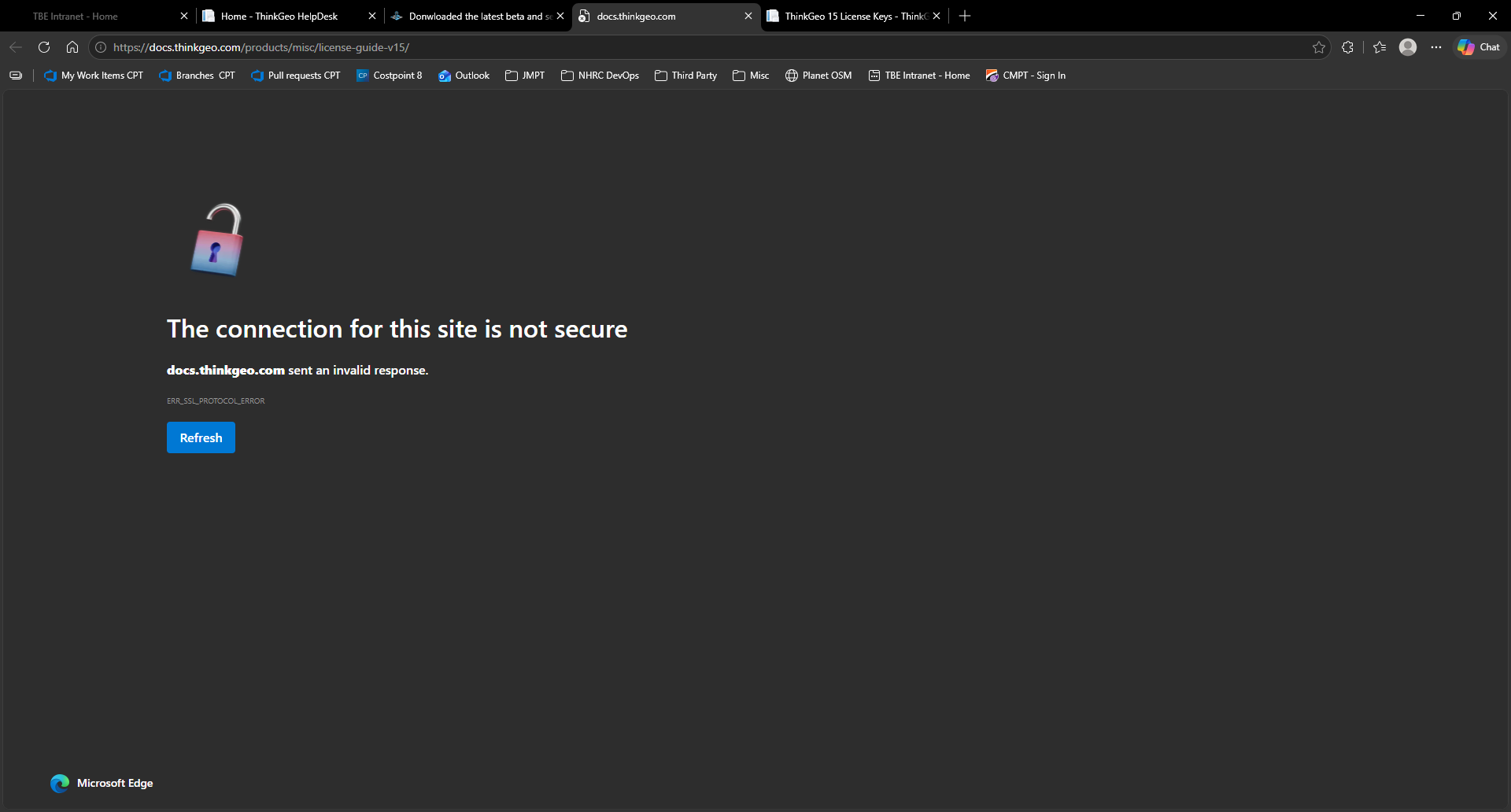
Here is the guide saved as a PDF:
License Guide for ThinkGeo 15 - ThinkGeo Docs.pdf (459.5 KB)
The site itself is up: it loads for us over both IPv4 and IPv6, and its certificate is valid. docs.thinkgeo.com is hosted on GitLab Pages (a CNAME for thinkgeo.gitlab.io), and many corporate firewalls block *.gitlab.io as “code hosting / file sharing”, which usually shows up as exactly this SSL error. If it opens for you on your phone or another network, that is the cause. We’ll see if there’s somewhere better hosting it less likely to be blocked.
Thanks,
Ben
Ben,
I needed to get the instructions for the build server.
Thanks,
James R
James,
If it’s a windows machine, just put the license file to that folder: %LOCALAPPDATA%\ThinkGeo, the same as your dev machine; If it’s a CI where a brand-new environment is created every time, use the environment variable THINKGEO_LICENSE. Can you let me know which part doesn’t work for you?
Thanks,
Ben
We provide a release folder to our customers. Does this mean instead of delivering the license in that folder, they each need to put the license in the appdata folder?
If yes - that is an insane amount of effort to put onto us instead of having a central way of deploying the license. Any workaround?
No, you don’t need any deployment license now. If it runs on your computer, it will just run on any computer as is, no more license needed.
1 Like
Ben,
I had no issues with local deployment. We will check the build server and deployment next week. I have passed the information and license file over to our Dev Ops person. Hopefully it all works. I will update you once we know either way.
Thanks,
James R.
1 Like
Hi James,
Just FYI v15.0.0 is available now. Update to the latest when you have a chance.
Thanks,
Ben
1 Like