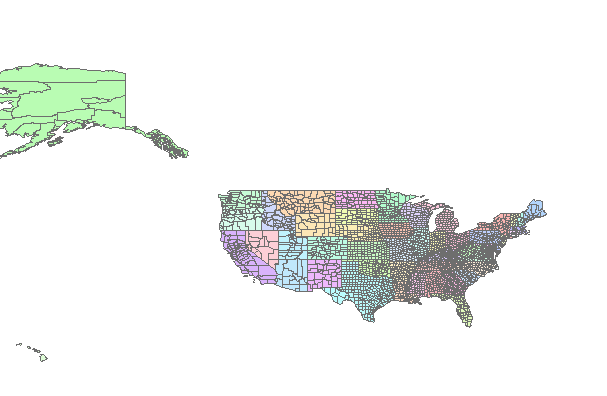
Hello,
We are trying to use the ArcGISRestLayer to view data on our map, with the following code. When the Map.Refresh line gets hit, a 404 Not Found error is thrown:
    Dim arcGisLayer As New ArcGISServerRestLayer
    arcGisLayer.ServerUri = New Uri("http://sampleserver1.arcgisonline.com/ArcGIS/rest/services/Specialty/ESRI_StateCityHighway_USA/MapServer/export")

    ' Sets our parameters for image format.
    arcGisLayer.Parameters.Add("format", "png")
    arcGisLayer.ImageFormat = ArcGISServerRestLayerImageFormat.Png '; // we can use the Property 'ImageFormat' instead of the 'format' in parameters. When they coexist, the property is perferred.

    ' Sets our parameters for transparency.
    arcGisLayer.Parameters.Add("transparent", "true")

    ' Specifies the layerId(s) you wish to display.  LayerId 2 is the county layer.
    arcGisLayer.Parameters.Add("layers", "show:2")

    ' Specifies the layer and field you wish to query(layerid: field).  in this example, the layerid is 2 and the data field to query is POP1999.
    arcGisLayer.Parameters.Add("layerdefs", String.Format("2:POP1999{0}", "> 50000"))

    'add and show
    Me._NOAAOverlay.Layers.Add(arcGisLayer)
    Me._NOAAOverlay.IsVisible = True
    Me.Map.Refresh()
I can go to the URL in a browser, and when I CTRL-Click it in Visual Studio, the page comes up with data. Am I missing something in the code?
Dib