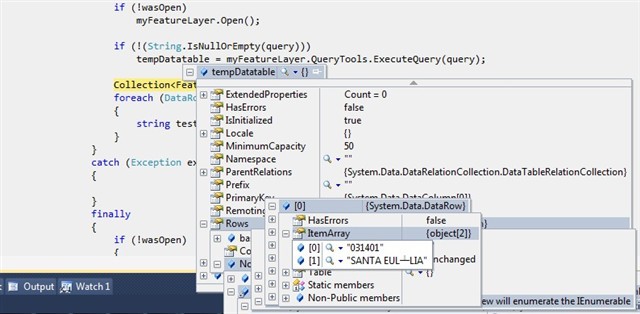
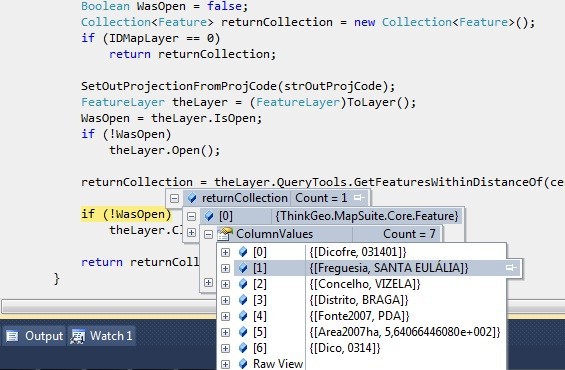
in this way the encoding will be the current culture if you didn't change it, so you will get the wrong characters. Please use the code below to resolve this:
i´ve tryed your solution but still having problems in the encoding.
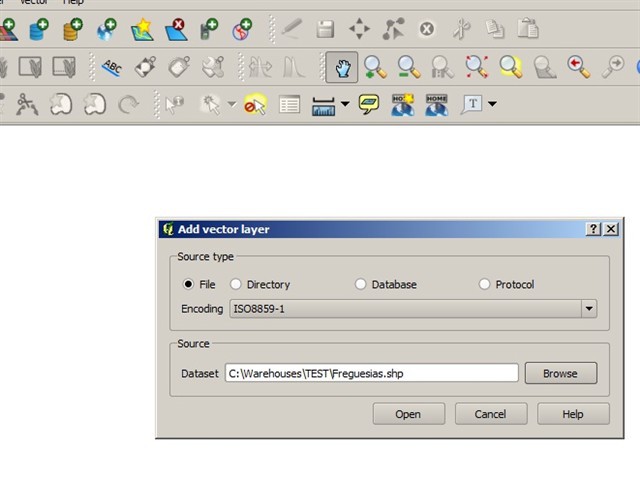
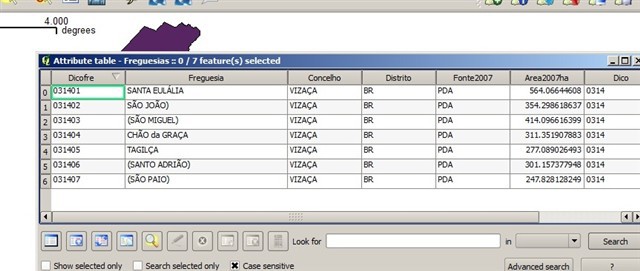
I´ve attached a sample shapefile that is causing problems(TEST.zip). If i open the shape in qgis with the ISO 8859-1 all the encoding is correct (see last image).
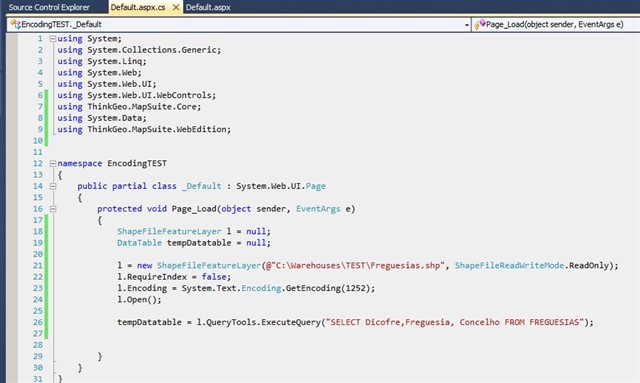
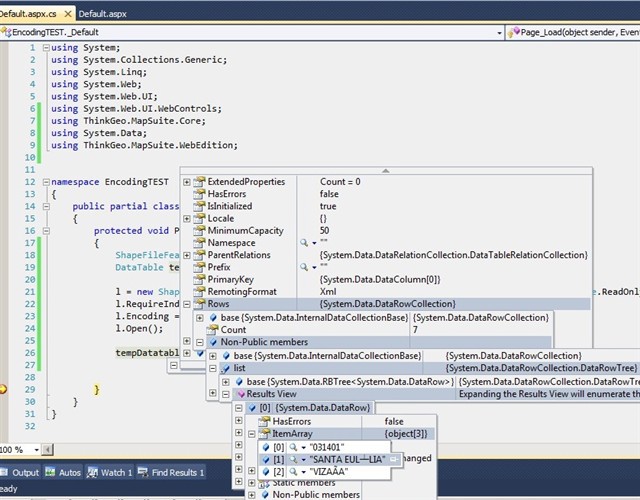
I've made a sample apllication to test and the problem persists (see images bellow).
When querying by SQL statement, we are using Oledb tech which is different from using GetFeaturesForDrawing stuff. The encoding property is only used for opening a DBF; while ExecuteQuery goes another way. As far as I know, there won't be a solution for giving encoding information on the Oledb stuff, we can just get the string and convert it. Just like the following code.
ShapeFileFeatureLayer worldLayer = new ShapeFileFeatureLayer(@"E:\Godspeed\Issues\006_005_004_003_002_001_TEST\Freguesias.shp");
worldLayer.RequireIndex = false;
worldLayer.Encoding = System.Text.Encoding.GetEncoding("iso-8859-1");
worldLayer.Open();
DataTable t = worldLayer.QueryTools.ExecuteQuery("SELECT Dicofre,Freguesia, Concelho FROM FREGUESIAS");

int rowCount = t.Rows.Count;
for (int i = 0; i < rowCount; i++)
{
    DataRow dr = t.Rows[i];
    string s = Encoding.GetEncoding("iso-8859-1").GetString(Encoding.Default.GetBytes(dr["Freguesia"].ToString()));
    Console.WriteLine(s);
}