
Hi,
We noticed that if there’s no connection to online service and map is panned exception is drawn correctly as expected. When connection is restored and map is panned those exception are still seen. It will result this kind of view:
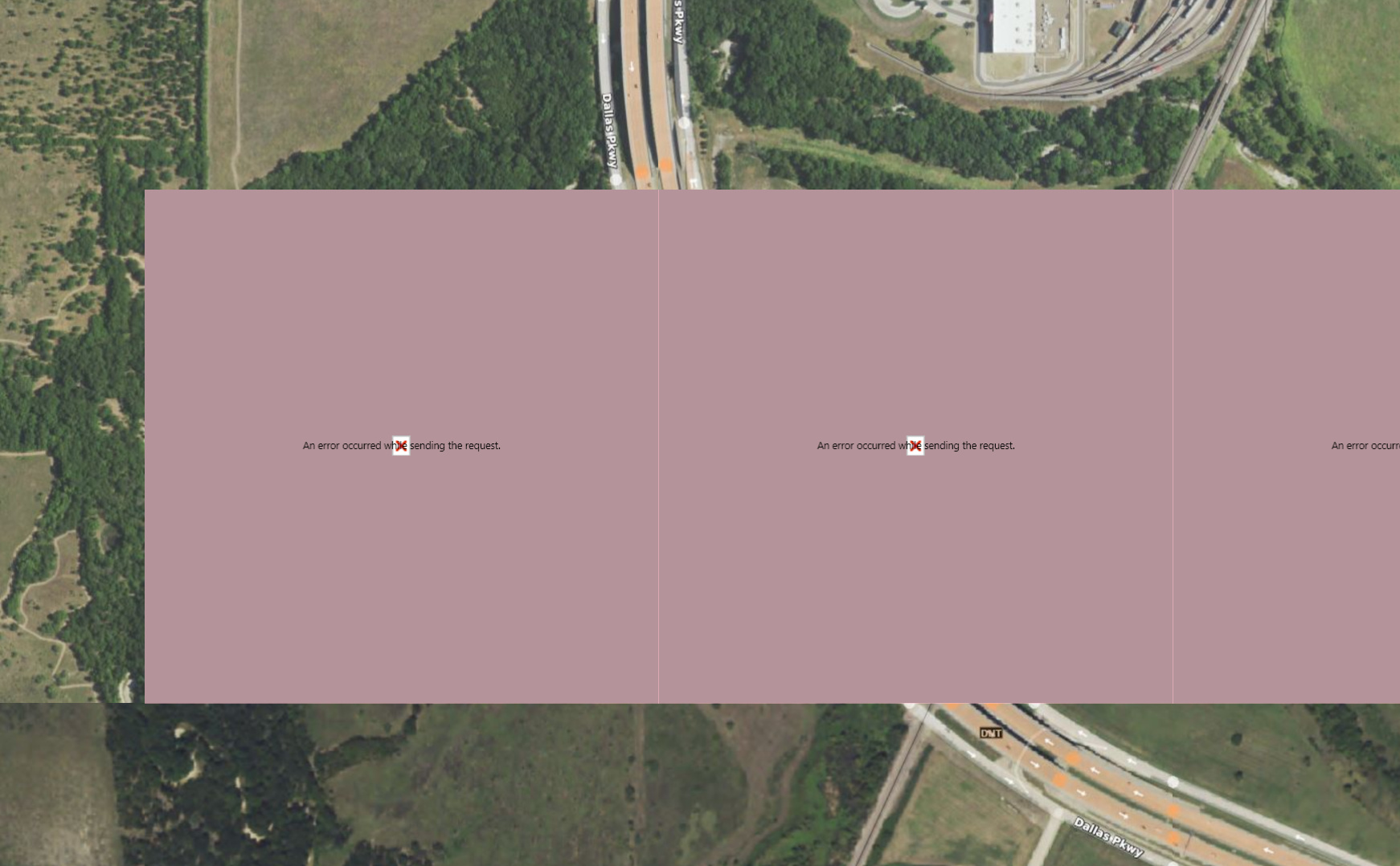
Also sometimes it looks like that layer is drawn top of exception when connection is restored and map is panned. (In this case exception was first drawn by OgcApiFeatureLayer and after connection was restored those black lines were drawn top of exception when panning).
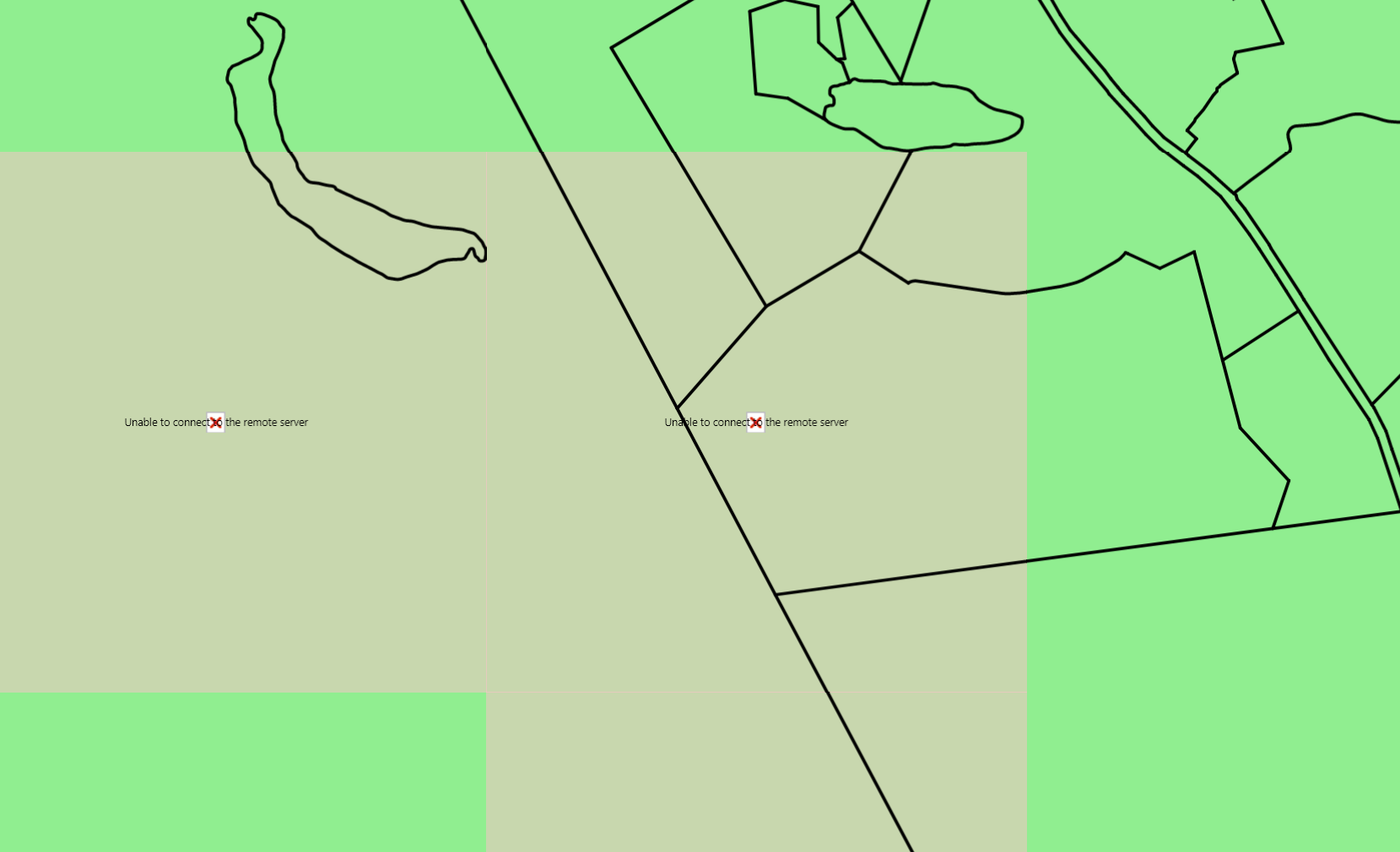
Question is that is there something what could by done to re-draw those tiles with exception when connection is restored ? Also why in the second picture exception is still seen although layer is re-drawn after connection is restored ?
BTW, it seems if zoom level is changed those exception will be removed but you need to wait until new zoom level is fully drawn. But if you e.g quickly zoom in/out exceptions are still seen.
Br, Simo
