
I’m a bit stuck with PDF export and would really appreciate some guidance.
I have a layout/PDF export workflow where a map is exported together with adornments like legend, scale bar, north arrow, and text. The non-map items are custom printer layers, and the map itself is currently exported through MapPrinterLayer.
My layers are a mix of:
- Feature Layers (vectors)
- Raster layers, (TIFF / GeoTiffGdalRasterLayer)
Every Feature layer works perfectly fine for the export, as in, when zooming in, the vectors scale perfectly.
However, for tiffs, which, when zoomed in on the normal map show different levels of detail, are just getting blurry when zoomed in.
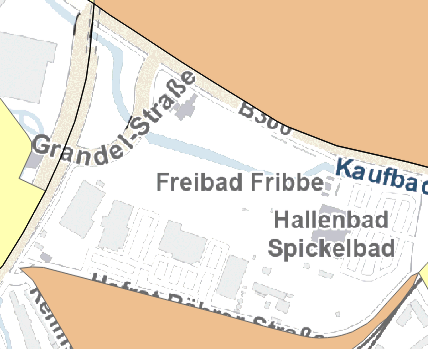
How it looks in the mapview:

While zooming in in the pdf just makes it blurry

any ideas are appreciated. Thanks!