ThinkGeo.com    |     Documentation    |     Premium Support

Map flickers in wrong color when refreshing

Hi, when refreshing the layer (e.g. panning, adding a new feature and calling Map.RefreshAsync etc) it flickers in the wrong color before it finishes rendering and turns into the correct color.
See video below.
It is built like this:

    public LayerOverlay HighlightOverlay
    {
        get
        {
            if (!Overlays.Contains("HighlightOverlay"))
            {
                Overlays.Add("HighlightOverlay", new LayerOverlay());
                ((LayerOverlay)Overlays["HighlightOverlay"]).DrawingQuality = DrawingQuality.HighSpeed;
            }

            return (LayerOverlay)Overlays["HighlightOverlay"];
        }
    }

And this Overlay has 2 InMemoryFeatureLayers for the Green permanent & Yellow temporary highlight.
This however happens with every kind of Layer, it’s just very obvious here. It happens when zooming as well for Shapefiles etc.

Is this expected or is there a way to improve this?
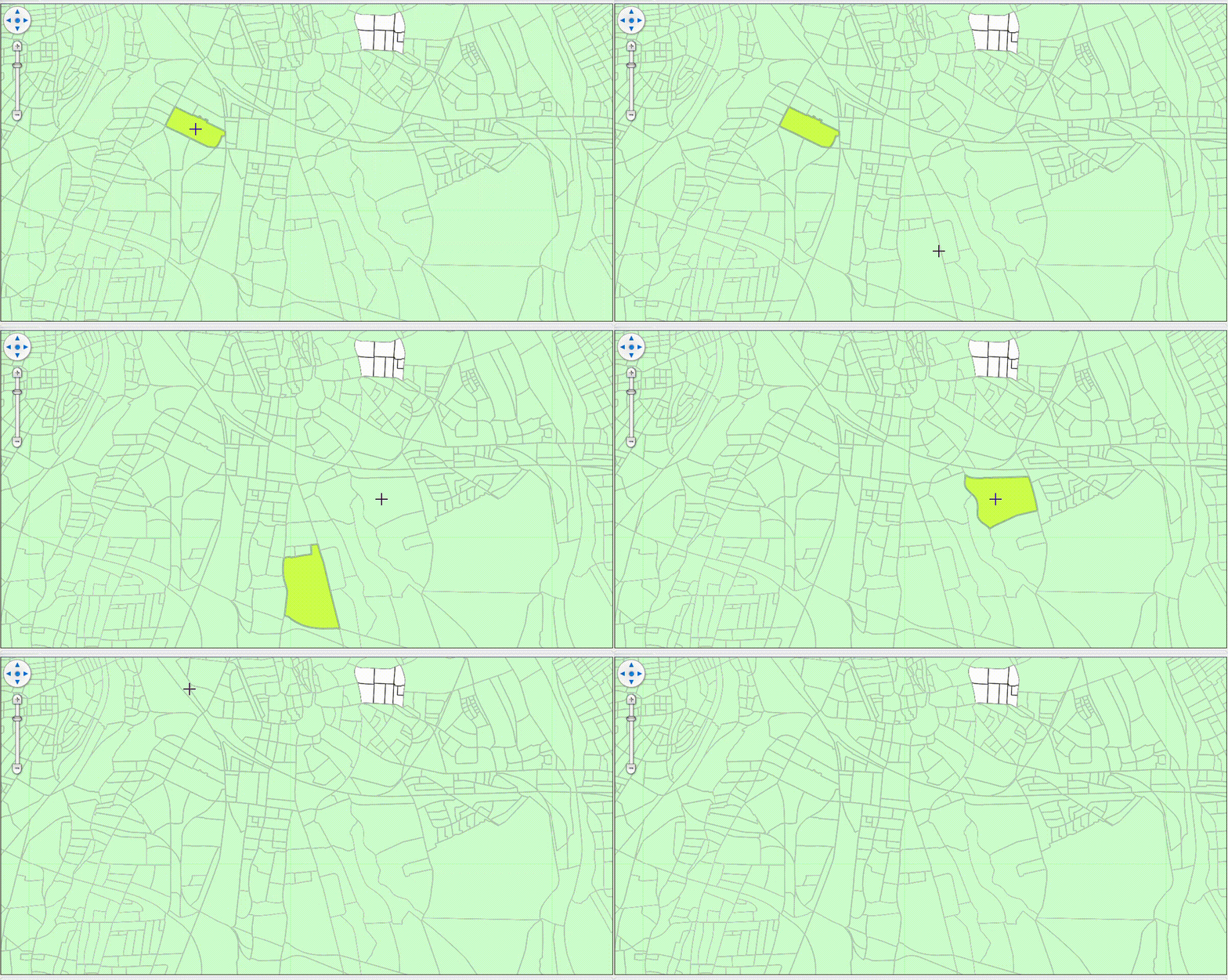
The flicker looks like you have 2 overlays, the one beneath was showed up before the one above.

Can you do this: put the yellow highlight in-memory layer in its own overlay, refresh only that overlay when clicking on the map, you can do MapView.RefreshAsync(refreshOverlay) or refreshOverlay.RefreshAsync().

Hi Ben, while that fixes it (only refreshing the overlay), it does not fix the underlying issue what I’m trying to solve - removing the flickering on rerenders.
The same happens when panning or zooming.

So want to make sure you have 2 overlays on the map, the base overlay and the HighlightOverlay, or you have a 3rd one? If yes, can you put all the “static” layers to the static overlay?

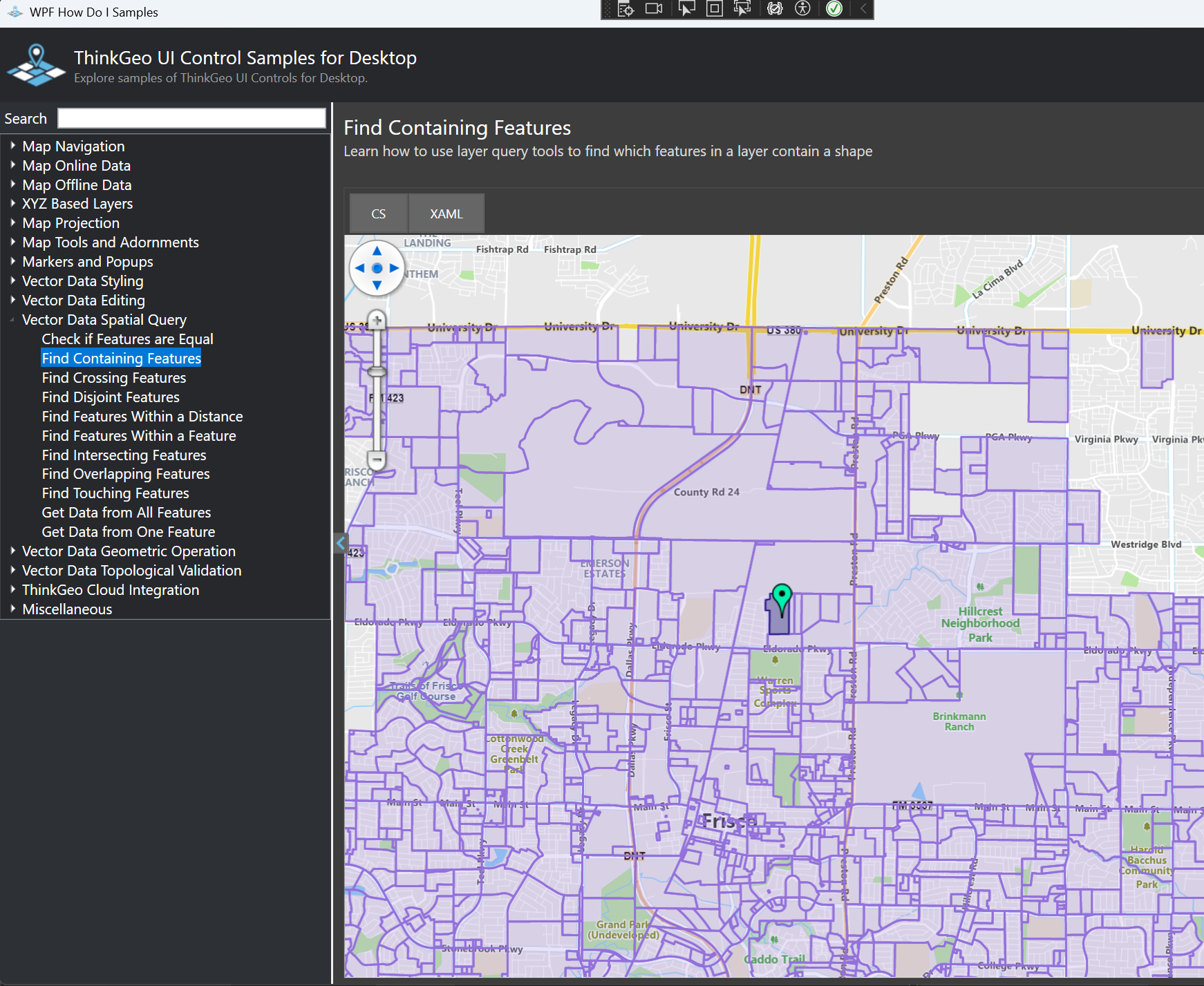
We have the following HowDoI sample doing the same thing as you did (highlight the polygon containing the clicked point), please check it out

Also, make the baseOverlay MultiTile will most of the time improve the performance as it doesn’t need to redraw the tiles within the current view.

Hi Ben, thanks for your help with this issue.

Let me quickly describe what the application does:

Users can add layers (Feature & Raster), they are rendered on an overlay “StaticOverlay”. Those layers can be edited by the user (background color, outline, pointsize etc) at any point, so they will be invalidated occasionally.

Users can select Features in these Layers, which will be highlighted in green. These are now in an InMemoryFeatureLayer in the overlay SelectHighlightOverlay.

The Third Overlay I added now is the TemporaryHighlightOverlay, which is the yellow highlights which display infos about the feature.

All 3 Overlays are LayerOverlays with Drawing Quality set to “High Speed”.

Adding MultiTile to all Overlays seems to have improved the performance, but the issue seems to still persist. I now get logs regarding a cache - does setting it to MultiTile add a cache? Actually, since we dont have any caching yet, is there any guidance on when caches are good to use / when the overhead is too much if layers change somewhat regularly?

Given your setup, I’d suggest:

  1. StaticOverlay (main feature & raster layers)
  • Use MultiTile + file cache .
  • Whenever users change styling (background, outline, point size, etc.), clear this overlay’s cache so tiles get re-rendered.
  1. TemporaryHighlightOverlay (yellow info highlights)
  • Use single-tile overlay, no cache (they’re short-lived and change often).
  1. SelectHighlightOverlay (green selections)
  • If selections change frequently: single tile, no cache .
  • If they’re relatively stable: treat it like StaticOverlay (MultiTile + cache).

The flicker usually happens when an underlying overlay is drawn and shown before the overlay above it. The configuration above aims to make the static content fast (MultiTile + cache) and the frequently changing overlays lightweight (single tile, no cache) so they draw quickly on top.

Thanks for the in depth explanation! Just wondering, should overlays still be used sparingly? I read a forum thread about it and the recommendation was to only use a handful of overlays - but that was from 15 years ago.

Hi Julian,

That old advice is still directionally correct.

A TileOverlay (including LayerOverlay , which derives from it) renders into a bitmap every time the overlay is refreshed. That gives you flexibility (you can refresh one overlay without touching others), but each overlay means another bitmap to render. More overlays = more bitmaps = more work. So you still want to find a balance between flexibility and performance instead of creating lots of tiny overlays.

In current versions we also have WpfDrawingOverlay, which changes the picture a bit:

  1. Rendering model
  • WpfDrawingOverlay draws directly to the WPF surface using hardware acceleration (GPU).
  • LayerOverlay first renders into a bitmap on the CPU, then blits that bitmap to the WPF surface.
  1. Pan/zoom behavior
  • WpfDrawingOverlay re-draws all its features on every pan/zoom. This is great for smaller, dynamic feature sets, but can get expensive if you pack too much into it.
  • LayerOverlay can simply shift/scale its already rendered image during pan/zoom, which is more efficient for large, relatively static content.

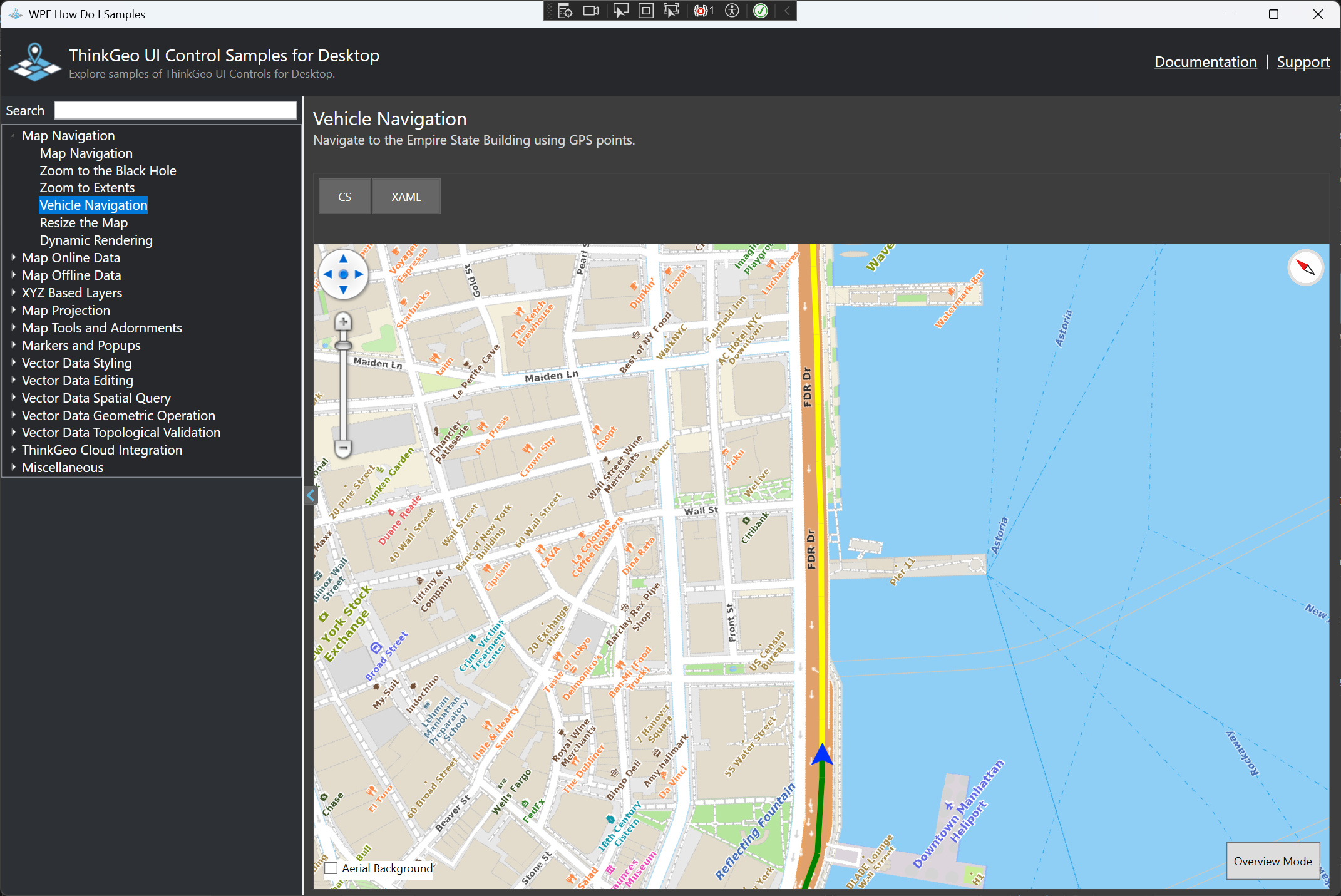
A good pattern is: use a small number of LayerOverlay s for big, mostly static layers, and use WpfDrawingOverlay for lighter, real-time or frequently changing visuals (like the green live route in the following HowDoI sample).

For your case, you can consider using FeatureLayerWpfDrawingOverlay for TemporaryHighlightOverlay. It’s not good for the other 2 overlays though.

Thanks,
Ben