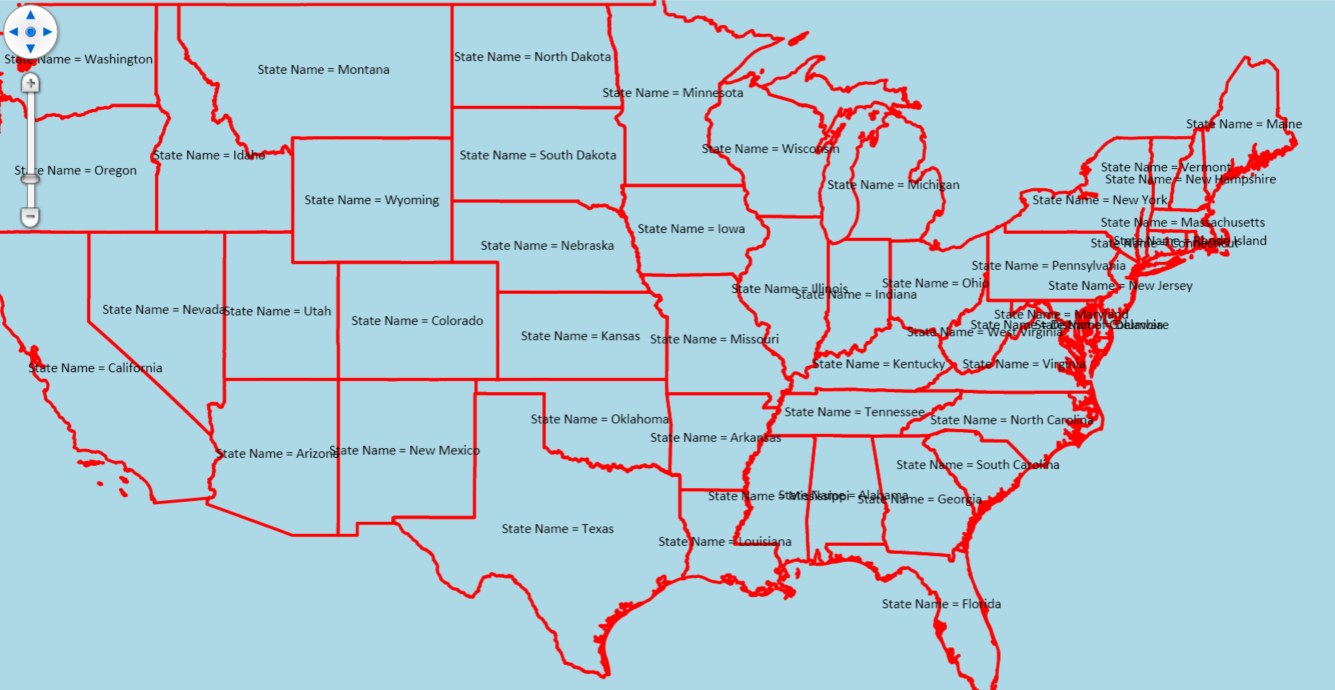
Years ago we implemented several custom options with TextStyles. One of them was the ability to reposition them with the mouse, but there are also a few others. This implementation required us to override DrawCore in the TextStyle and make use of some lower level methods. This was all done in TG-10 for Winforms. Now that we have done the upgrade to TG-14 none of that stuff works anymore. One of the reasons was that the delimiter for specifying column names was changed from brackets ([]) to curly braces ({}). Fixing that causes the the labels to draw but not correctly.
It’s difficult to explain so I have attached a sample project. It includes a class called CustomTextStyle_2. Could you please have a look at the code in DrawCore and see what I am doing wrong?
Thanks!
Steve
LabelTest.zip (2.5 MB)