
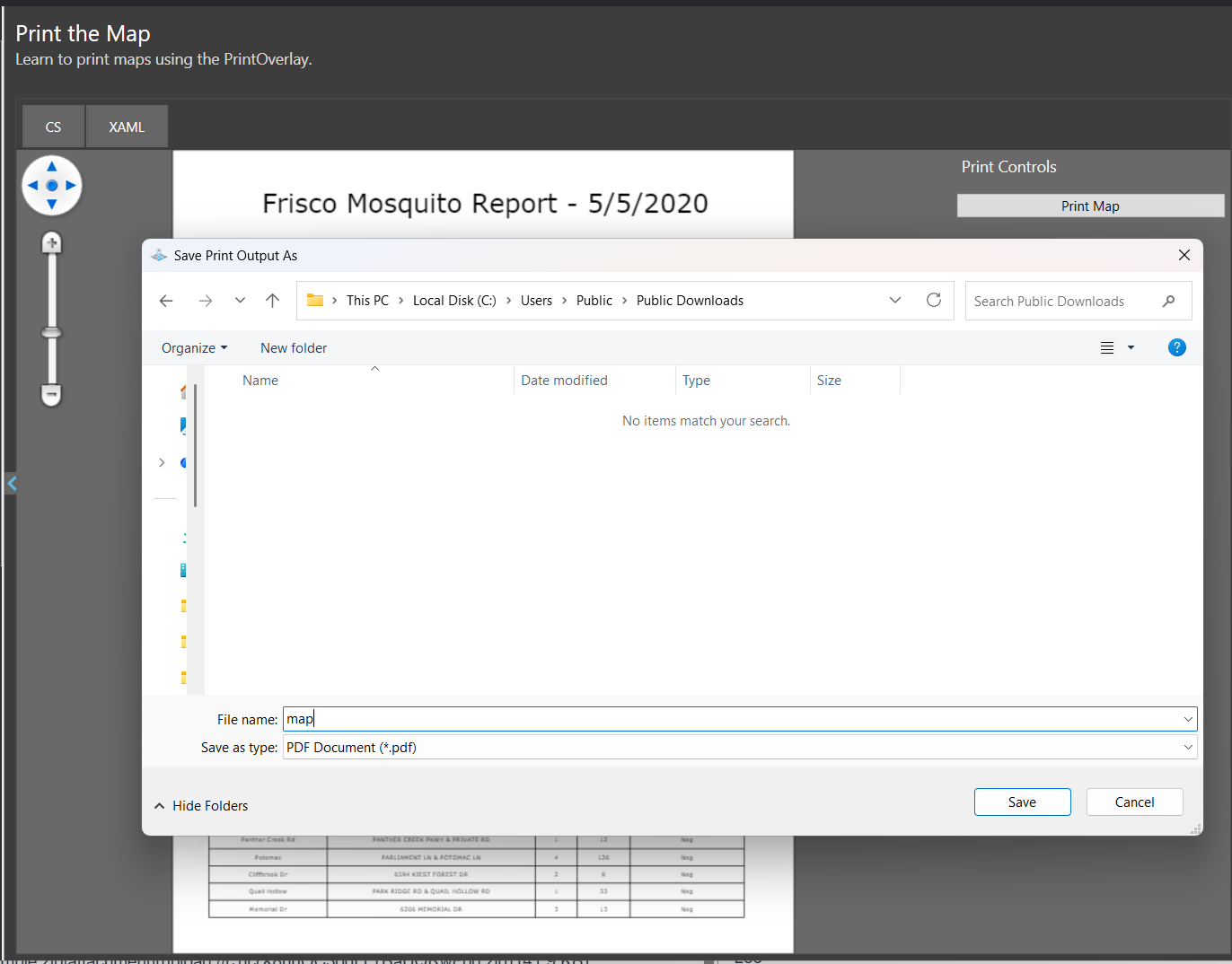
Hi, quick question, is the Print sample broken in the HowDoI Develop branch? Everytime I click “Print Map” the application freezes and I need to taskmanager kill it.
Print sample broken HowDoI
Also related - is there an up-to-date guide or documentation on how to export to a raster file (png, tiff etc) and how to use legend in PrintedLayer properly? There is none that I could find in the HowDoI
I found multiple threads but all of them were outdated / the api doesn’t exist anymore.
hi @Julian_Thoms,
I tried “Print The Map” on my end and it works great. When clicking Print Map, SaveFileDialog shows up. Maybe your SaveFileDialog is minimized or hidden behind the main window, which could make it look like the sample has frozen. You could check your taskbar.
Here’s a sample to demonstrate how to export to a png picture and how to use legends. Feel free to give it a try.
LegendSample.zip (41.9 KB)
Regards,
Leo
Hi Leo, thanks! Yes, that was actually the issue, the dialog did not show on my main screen and I missed it.
Quick question because I cannot figure that out - how do I lock the aspect ratio when resizing things? I can change the anchor pressing Shift, but I cannot find a way to implement aspect ratio lock - which seems to be very important as when resizing a geographical layer, having no way of changing the size without distorting makes it unusable.
Also, when resizing a e.g. shapefile, it seems to get very pixelated. - but when printing as pdf, it is high resolution again. Unsure if there is a way of fixing that, maybe you have some ideas on that.
Thanks Leo, and happy new year!
hi @Julian_Thoms,
You could lock the aspect ratio by setting ResizeMode to PrinterResizeMode.MaintainAspectRatio.
mapPrinterLayer.ResizeMode = PrinterResizeMode.MaintainAspectRatio;
legendPrinterLayer.ResizeMode = PrinterResizeMode.MaintainAspectRatio;
MapPrinterLayer uses image cache when resizing to improve performance. You could set PreviewDrawingMode to MapPrinterPreviewDrawingMode.Redraw to force it to redraw immediately after resizing.
mapPrinterLayer.PreviewDrawingMode = MapPrinterPreviewDrawingMode.Redraw;
Regards,
Leo