Hi Steve,
I was able to reproduce the same behavior when a tracking overlay is added through InteractiveOverlays, instead of being assigned through the TrackOverlay property. If that matches your implementation, could you try setting it through mapView.TrackOverlay rather than adding it as a generic interactive overlay?
  // Do this
  var customTrackOverlay = new CustomTrackInteractiveOverlay();
  mapView.TrackOverlay = customTrackOverlay;

  // Instead of this
  mapView.InteractiveOverlays.Add("trackOverlay",  customTrackOverlay);
MapView.TrackOverlay is the reserved tracking slot, while a custom overlay added through InteractiveOverlays.Add(…) is treated as a normal interactive overlay, which may end up below PrinterInteractiveOverlay depending on how and when it is added.
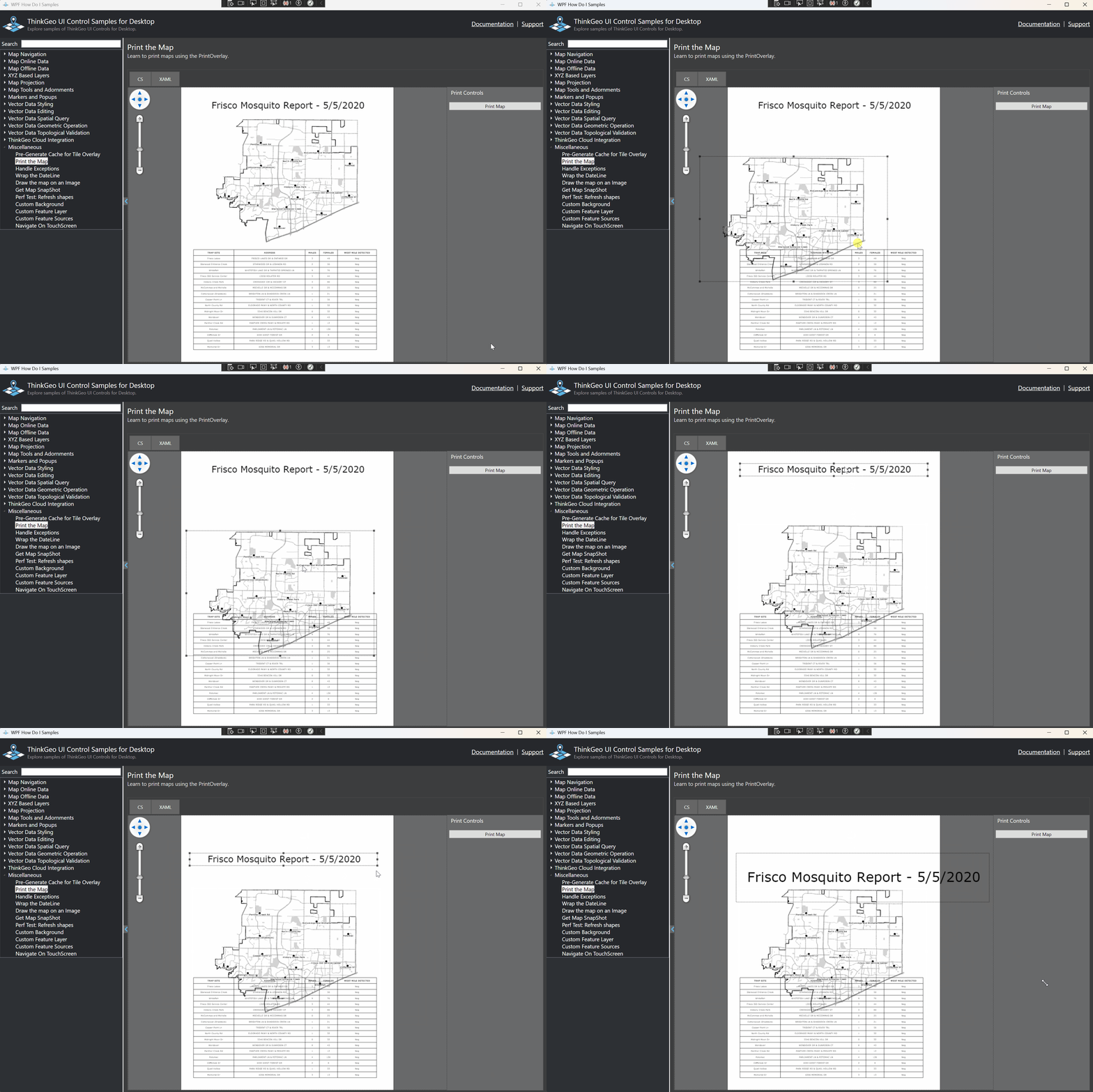
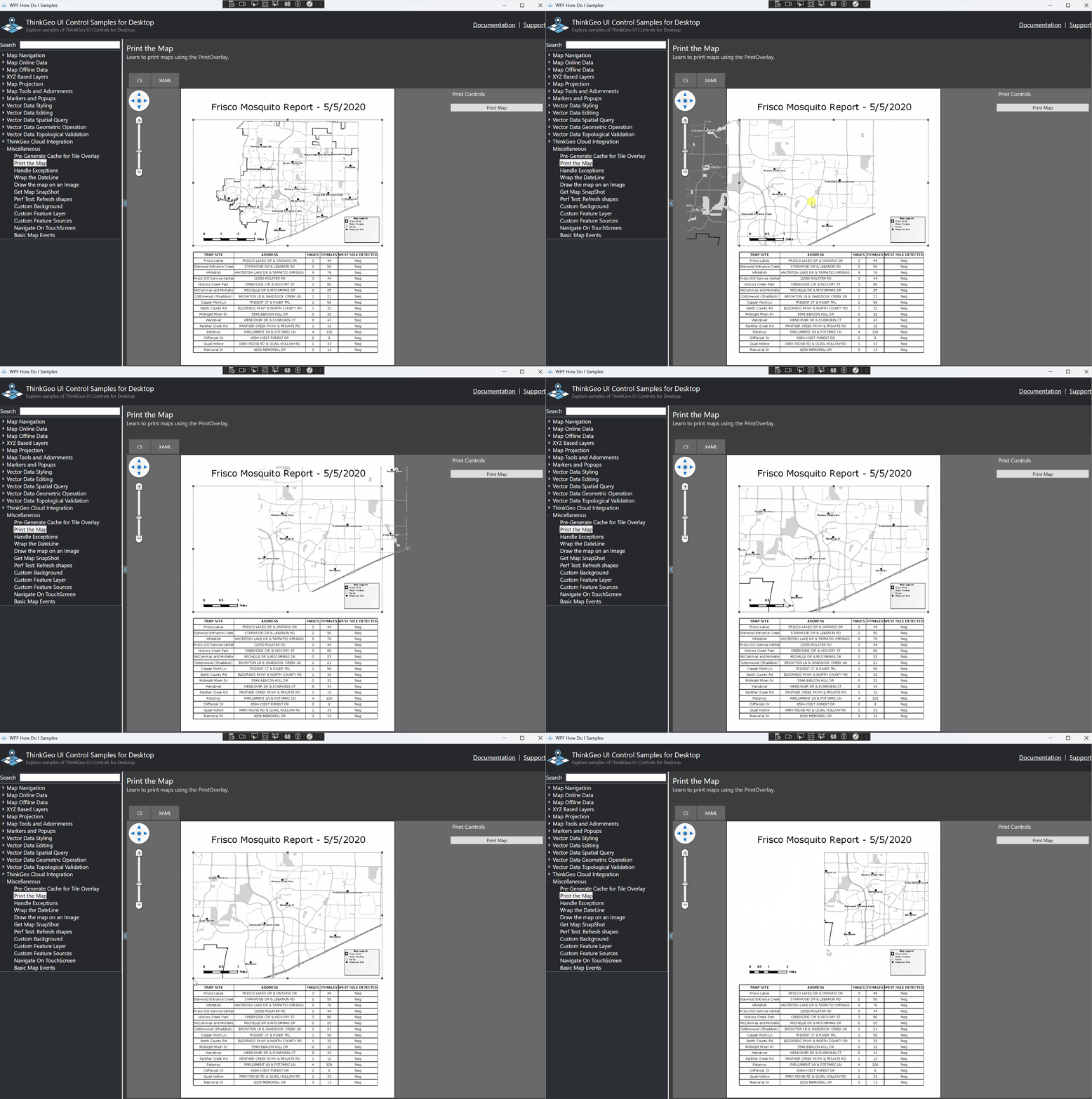
Also, PrinterInteractiveOverlay now (v14.5) handles more interactions than before. In the print preview, you can drag and resize printer layers, and you can also pan and zoom the map inside the preview. If another interactive overlay is placed above it, that overlay may capture the mouse events first, which can prevent the printer overlay from handling those interactions properly. I just wanted to mention that in case it affects your workflow.
Here are a couple of screenshots showing the current print preview interactions, including dragging/resizing a map layer and panning/zooming the map with the Ctrl key held down:
BTW: v14.5 was released yesterday. I would recommend everyone upgrade to it if possible. Here is some info about it:
- The changelog: Changelog - ThinkGeo Docs
- A Utility to generate API changelog between any 2 versions: ThinkGeo API Compare Tool — ThinkGeo, GIS Mapping Made Easy
- An MCP server to let your AI agent better help you with ThinkGeo projects: ThinkGeo MCP Server — ThinkGeo, GIS Mapping Made Easy
- Some in-depth guides for the users, here is one example: ThinkGeo Core Architecture Guide - ThinkGeo Docs
Thanks,
Ben