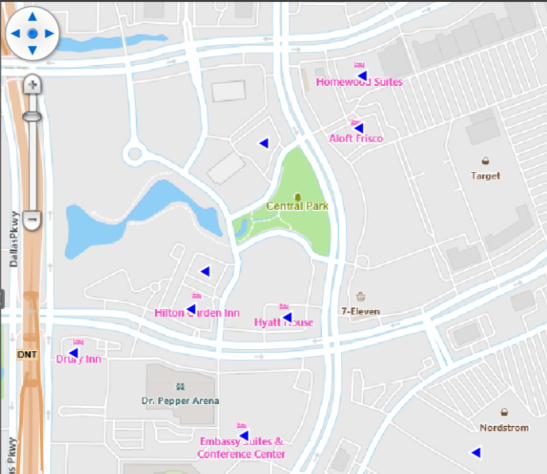
I have a bunch of points using a style of PointType.Glyph. Currently, if I want to rotate glyph, I am overriding the DrawCore function on the style and manually drawing the text that the glyph represents (I actually made a post about this years ago Rotation of points using PointType.Character ).
Is this still the recommended way, or is there something simpler? For instance, I see there is a Rotate() function on BaseShape. Will this function rotate the style as well, or just the underlying location of the shape.
Thanks,
Dan