ThinkGeo.com    |     Documentation    |     Premium Support

Recommended way of having static elements on pannable background

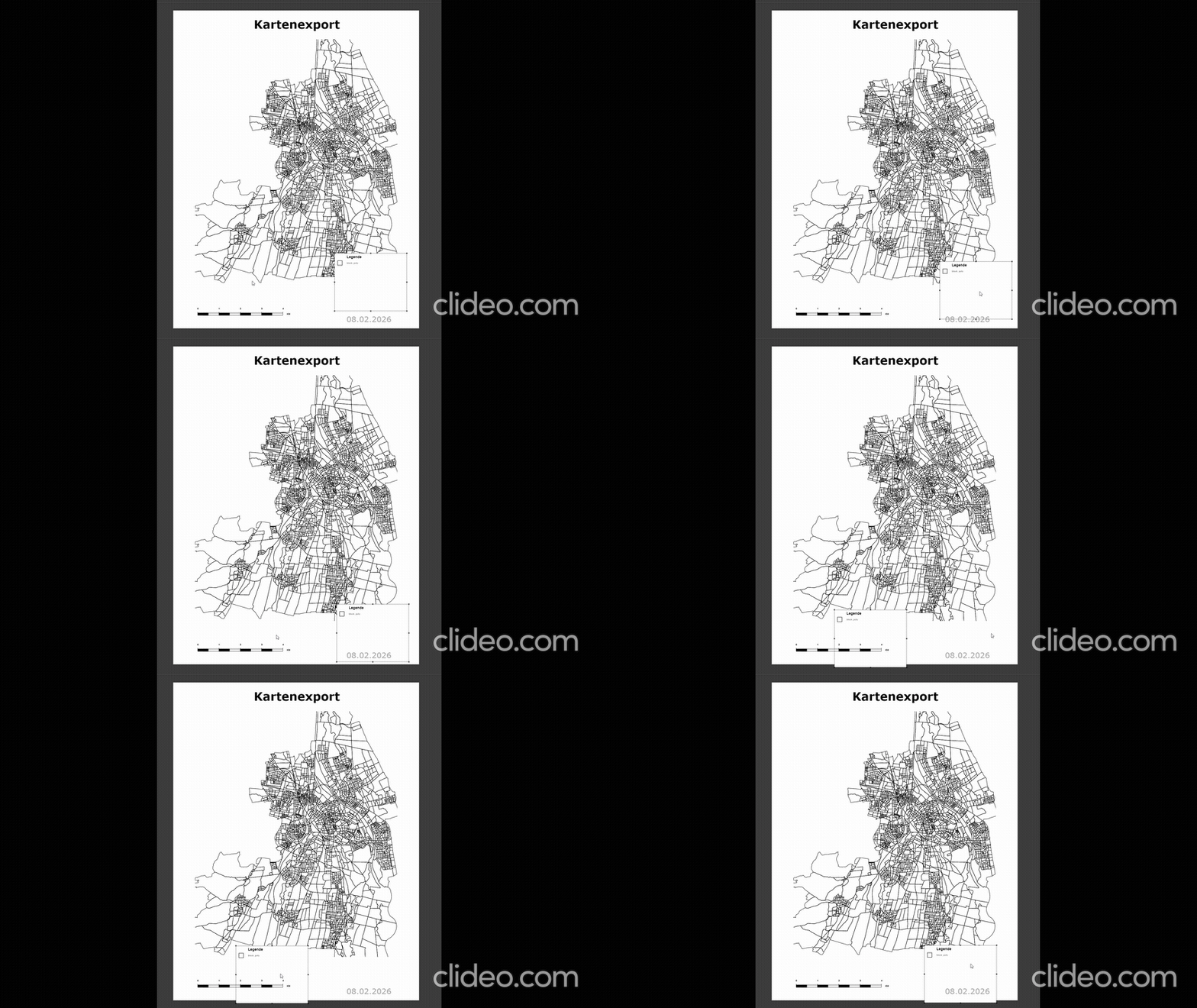
Hi, we are currently developing an export feature where some elements are static (but can be dragged around and resized, e.g. legend, title etc) and some elements are draggable as if on a map.

Currently the solution I came up with is to hook into

MapView_PreviewMouseLeftButtonDown

save the map layer coordinates, and set
MapView.CaptureMouse();
e.Handled = true;

Then, on MapView_PreviewMouseMove, I calculate the delta it moved on the x and y position, normalize the values and then set

Model.PanMap(panXPercent, panYPercent, triggerLayoutChange: false);
_lastMousePosition = currentPosition;
_cachedMapLayer.MapExtent = Model.MapExtent;
MapView.CancellationTokenSource?.Cancel();
_ = MapView.RefreshAsync();

And then on MapView_PreviewMouseLeftButtonUp

I set
MapView.ReleaseMouseCapture();
MapView.CancellationTokenSource?.Cancel();

This works and only moves the layers without moving static elements

However, it is quite expensive and also rather laggy when adding more complex layers or increasing the window size. Is there a better way of having static elements on a pannable map?
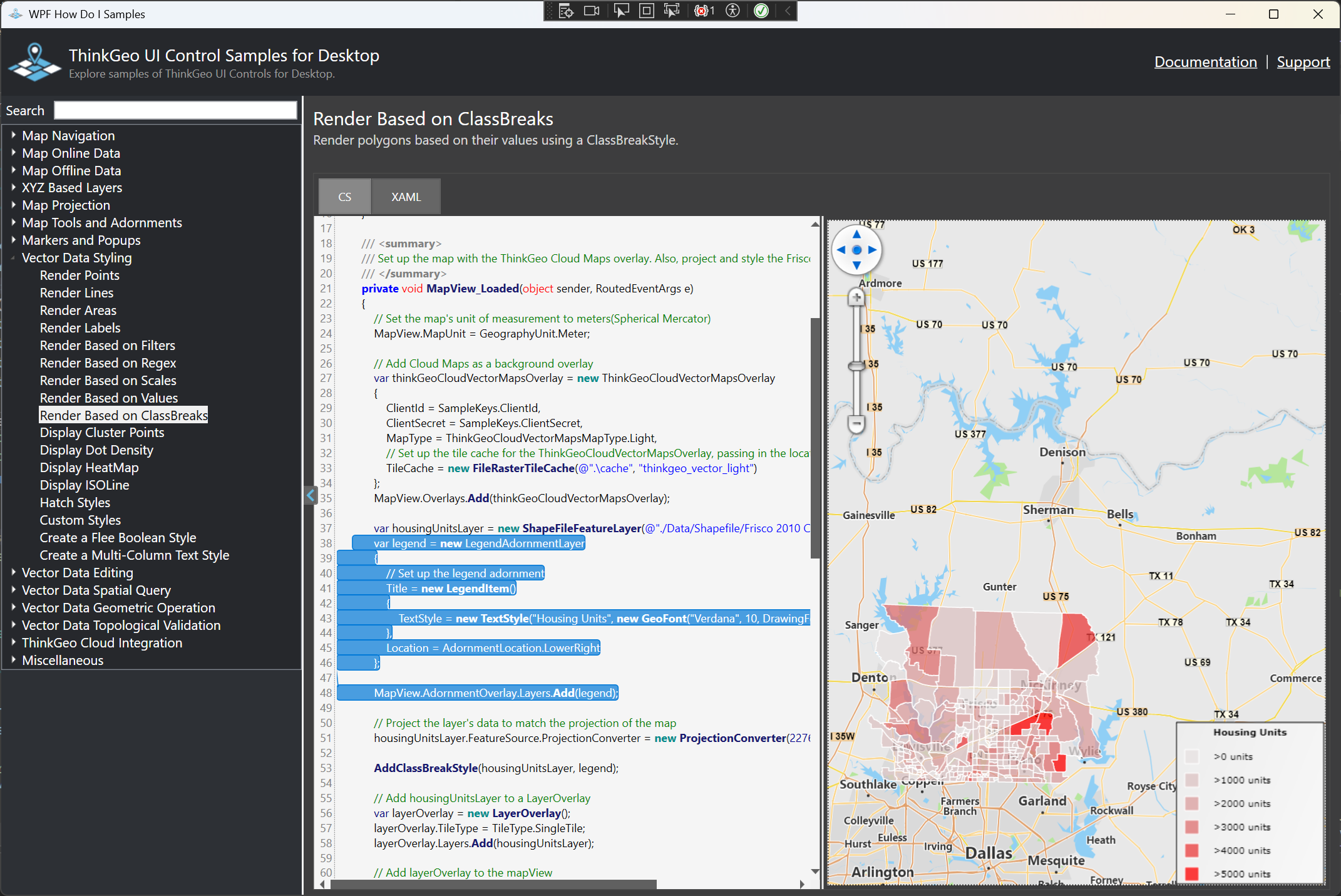
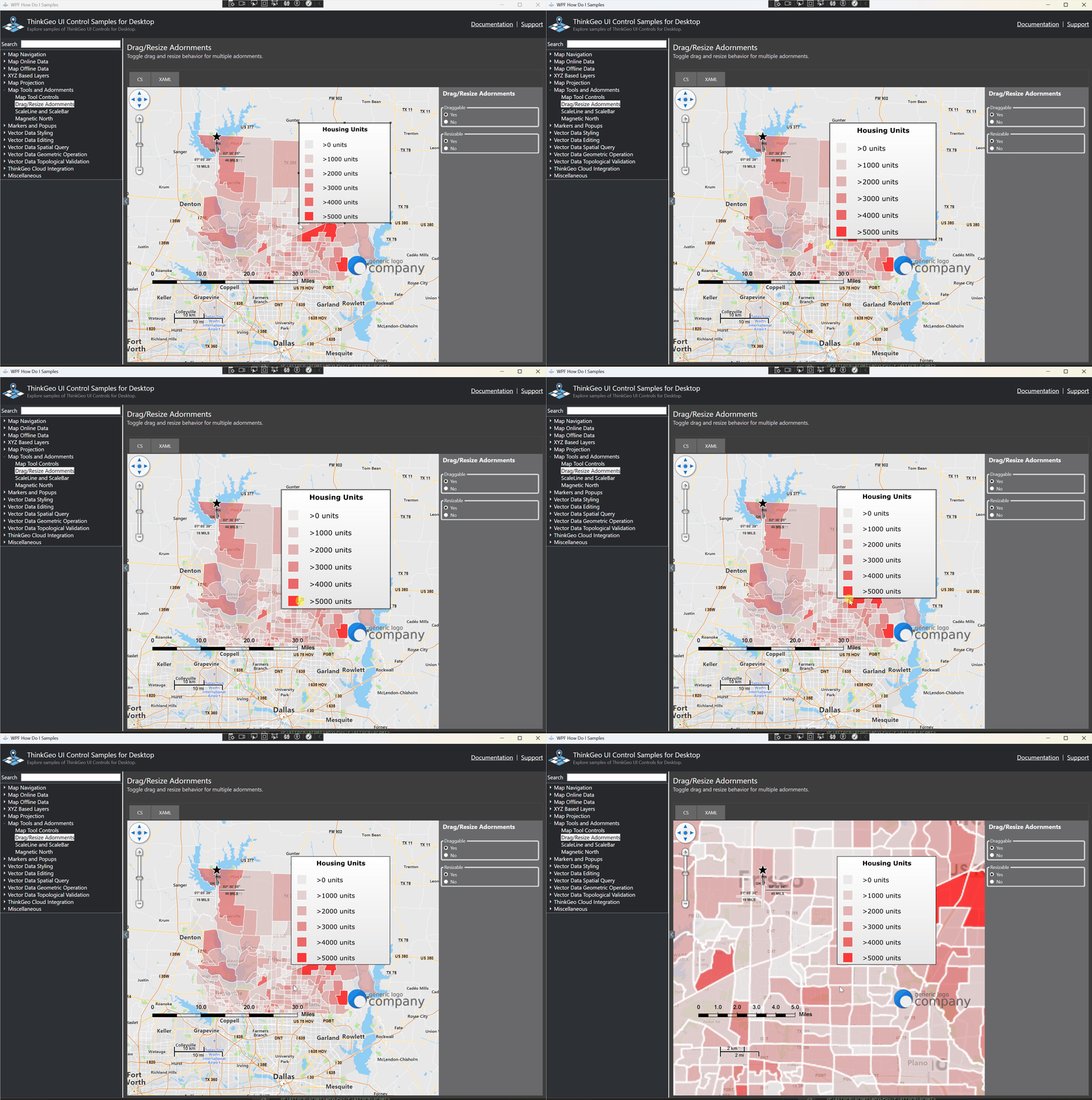
In ThinkGeo you can use AdornmentOverlay/AdornmentLayer fot the static elements. Here below is a sample how to set up a legend, and you can change an adornmentLayer.X/Y Offset accordingly to change its location.

Thanks Ben! Going to try that out.

I previously used PrinterInteractiveOverlay with the three layers

LegendPrinterLayer
ScaleBarPrinterLayer
LabelPrinterLayer

Which have the added functionality of SetPosition() - which AdornmentLayer does not have and also it does not work with PrinterInteractiveOverlay - which I used based on the HowDoI example.

After adding them in a LegendAdornmentLayer, they appear on screen and dont move when panning, however I cannot drag or resize them anymore, which worked using the previous layers.

Any idea on how to get this to work? Basically what I need is:

  • Draggable and Resizable Adornment Elements
  • A Text adornment element (similar to LabelPrinterLayer)
  • A zoomable and pannable map in the background

Julian,

I see. Here are a couple questions for you:

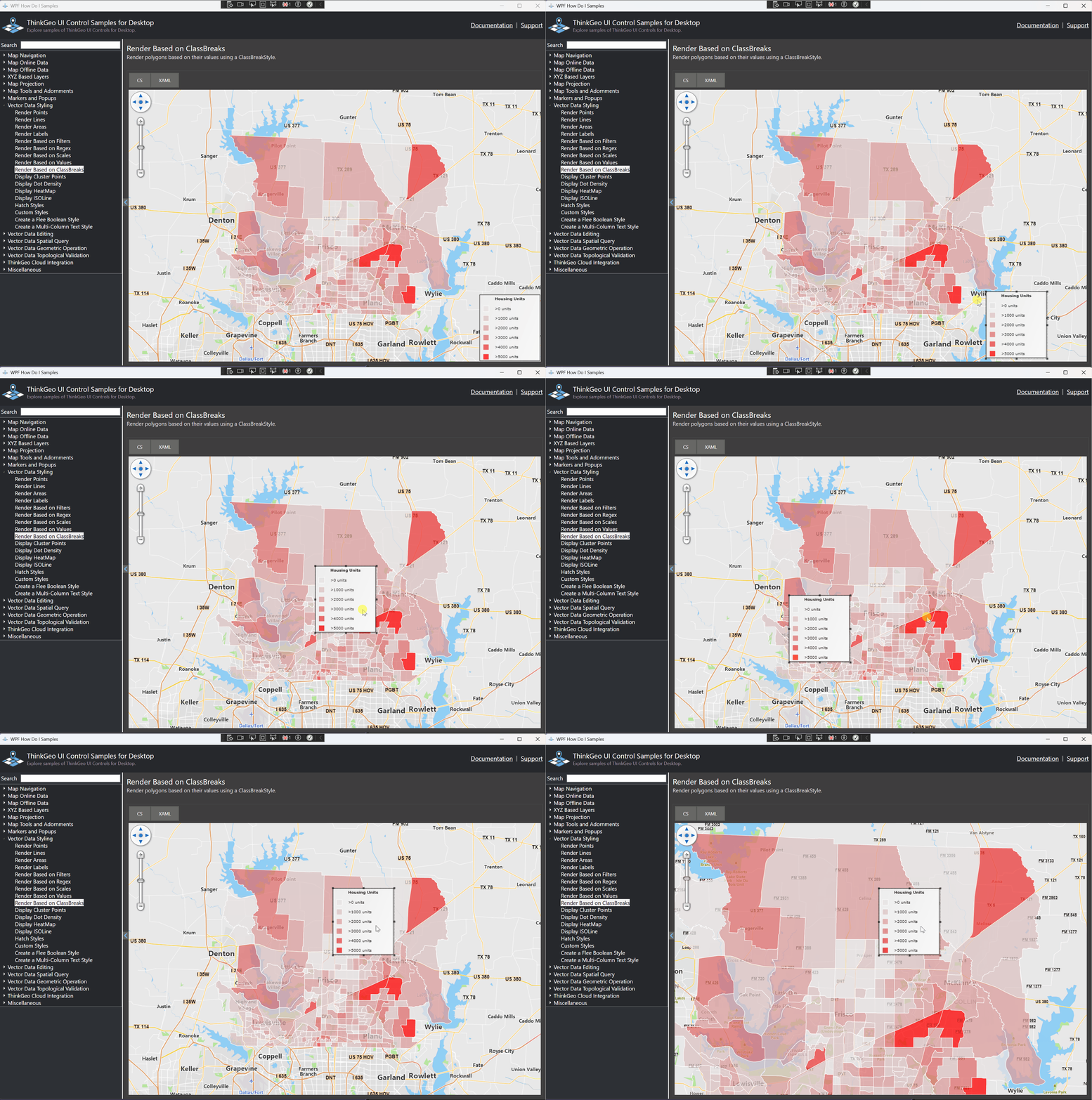
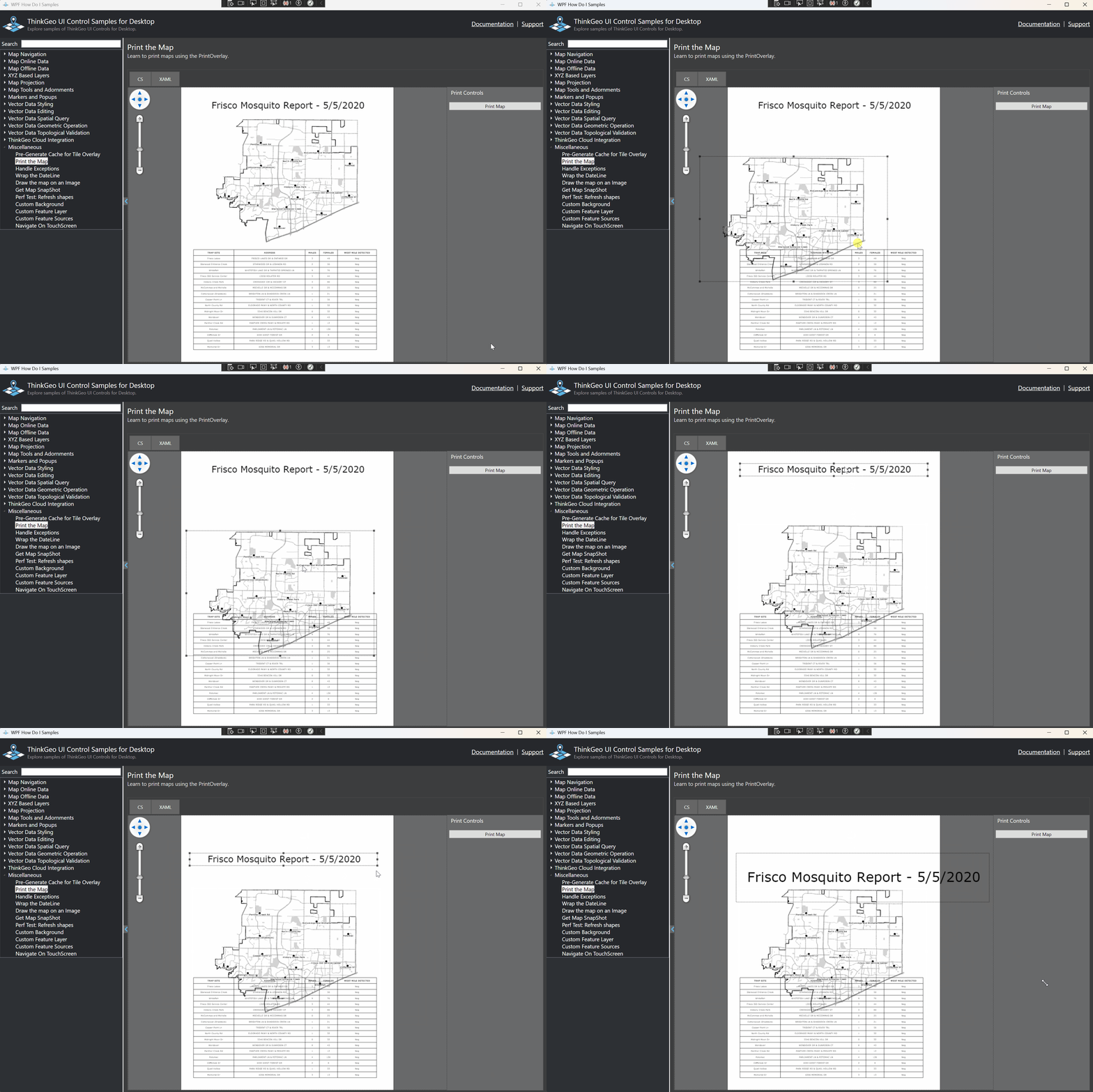
  1. I’m not very sure why you were using MapView_PreviewMouseMove / MapView_PreviewMouseLeftButtonDown if you were already using PrinterLayers, which are draggable and resizable. Here you can see in this HowDoI I can resize and reposition those elements, is this what you are looking for?

  2. In your code, _ = MapView.RefreshAsync(); is called inside MapView_PreviewMouseMove. That’s a big red flag performance-wise. But based on your animated gif where the label (“Kartenexport”) seems pretty smooth while you drag it - so what exactly is the “laggy” part?

  3. PrinterInteractiveOverlay and AdornmentOverlay should be similar from the performance perspective. AdornmentOverlay doesn’t support drag/resize while PrinterInteractiveOverlay does. So if PrinterInteractiveOverlay works for you, that’s the best. I’ve added it to our todo list and we’ll support dragging/resizing for AdornmentOverlay in the future.

  4. If PrinterInteractiveOverlay doesn’t work for you, we can still achieve it by customizing AdornmentOverlay, or by placing a seperate wpf Canvas above the map for those static elements. Either way, calling RefreshAsync() on every mouse-move is something we can’t afford. Can you try removing it first and then let’s see what’s still missing.

Thanks,
Ben

Thank you for helping me out here Ben. Yeah, I might be making things more complicated than they need to be.

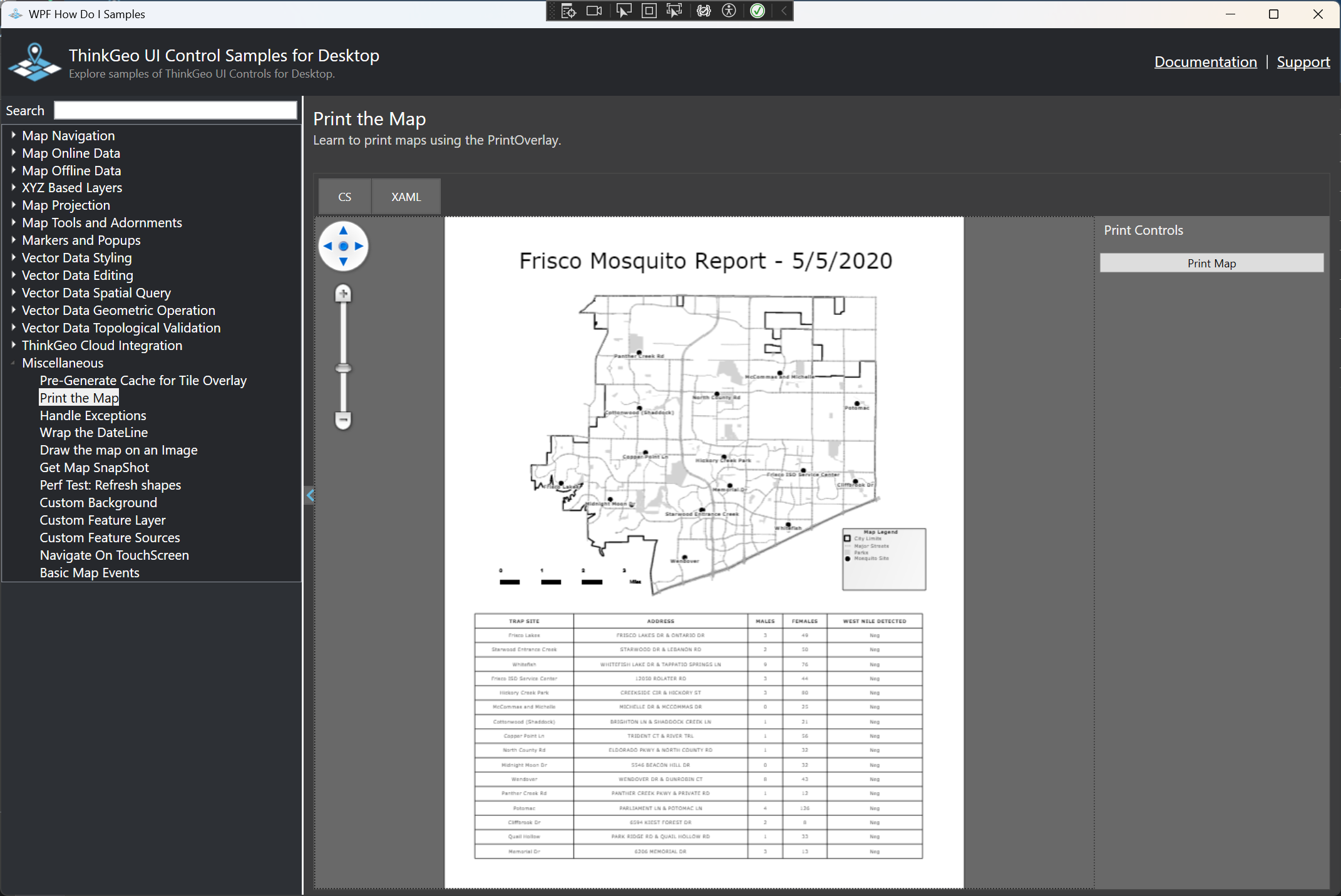
The issue that I was facing is that - in your example of the Frisco Mosquito Report - the Map part should be zoomable and pannable, not just movable (basically it should act like a normal map). That is why I implemented a custom handling so that only the Map will be panned and zoomed and everything else stays static.

The laggy part is moving the map around. Adding a more complex layer (points) makes it refresh every second or so on panning.

What I’m aiming for is your exact example except the map behaving like a map, not like an interactive element. So you can pan and zoom, but not resize or drag it around.

I assume having a separate wpf canvas above the map for the static elements would work for display and the map, but lack the drag element support that is required.

Do you have any idea on how to achieve this? I tried making a separate overlay for the map and only refreshing that one on resize, however then adding the ScaleBar doesnt work (requires MapPrinterLayer)

Sorry if this is all over the place, I can provide you with the window too if that would help, however I think the basic idea of what I’m trying to achieve should be clear

Hi Julian,

I think I got it. What you want is a “regular” map with some draggable and resizable adornments on it.

I think a wpf canvas above the map would work. You can make the canvas draggable and resizable, and every time refreshing the map, reposition/stretching the image(or regenerating the image if needed) and update the canvas. But I agree a cleaner code would be just adding some adornment layers to the map and make them draggable/resizable like how we did on PrinterLayers.

This is a feature we’d be happy to add. How about give us a week and we’ll see if we can make the adornments draggable and resizable?

Thanks,
Ben

Hi Ben, thank you, that is basically what I need, yeah. Similar to how ArcGIS handles it.
We also do actually use the print functionality, so if a similar functionality could be added to the PrinterInteractiveOverlay (having a pannable map) that would be great too. I don’t know if that is required however or if I can replicate the functionality of printing - working with PrinterLayers and InteractiveOverlays?

The current MapView in the PrinterPreview is only draggable and resizable, but cannot be panned/zoomed. Yes, let us see if we can make that work as well.

1 Like