ThinkGeo.com    |     Documentation    |     Premium Support

Text does not respect border width

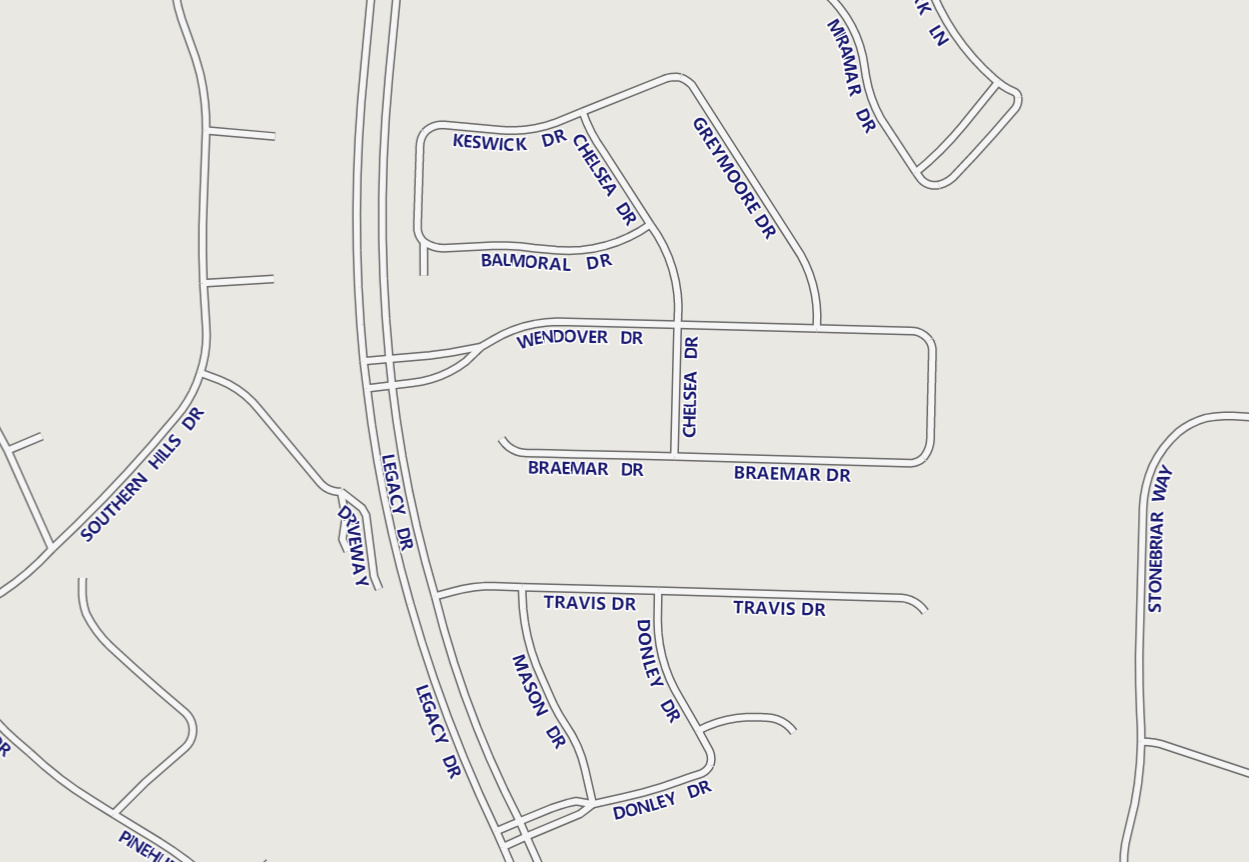
Hi, added Text does not respect border width of a line.

See:
image

Adding a YOffsetInPixel of 4 fixes this one, however vertical ones still overlap:
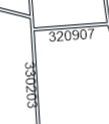
image

Is there any way that I just didnt find yet to simply add label padding between the label and the line?

Thanks!
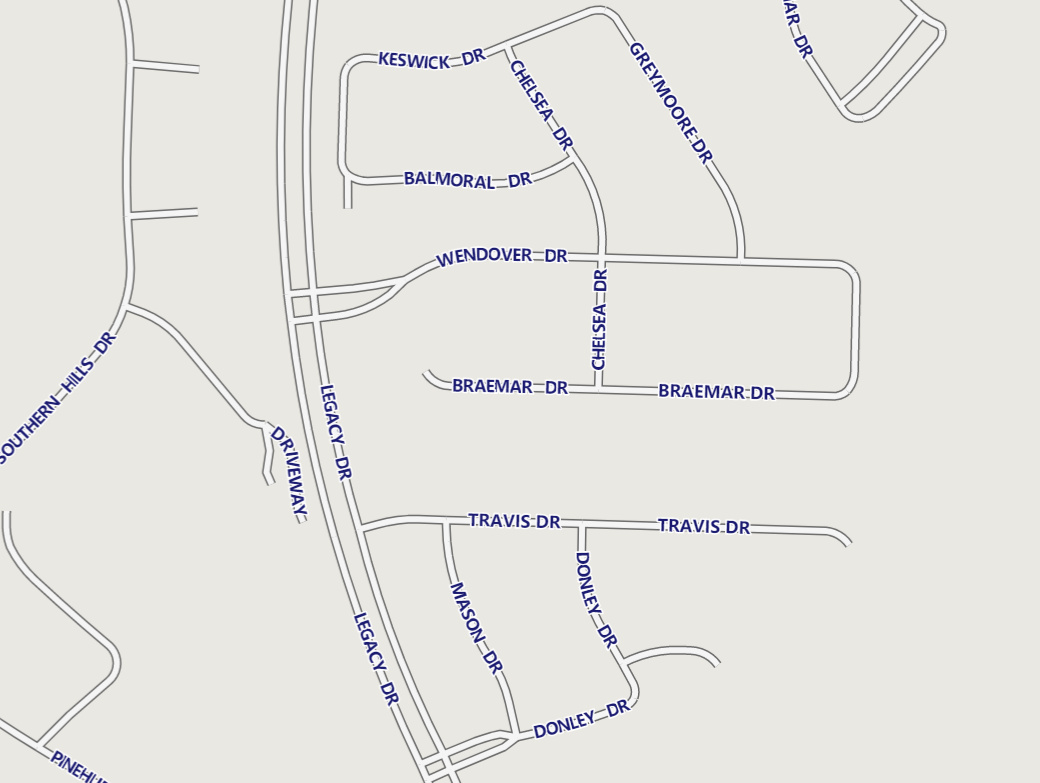
A quick workaround is to adjust both the X and Y offsets. Can you try setting XOffsetInPixel to 4 as well and see if that works?

We’re currently working on adding full StyleJSON support to our system, but it seems that the standard StyleJSON specification doesn’t include a property for this either.

Hi Ben, this is sadly not a solution either as this only solves it when the text is on the left.
As soon as the text is on the right, setting XOffsetInPixel to 4 just moves it further into the line

We are working on it. We’ll keep you posted.

1 Like

Julian, we’ve added a new property TextStyle.OffsetFromLine to the latest beta v14.5.0-beta036, pull the latest and have a try.

set OffsetFromLine to 0(by default)

Set the OffsetFromLine to 10

You can see there’s some overlapping issue in the curved lines and we will keep improving it.

Hi Ben, thank you! This works.
Quick question, since it does not seem to have an effect (anymore?):
How does style.TextPlacement work? Is it currently bugged as it doesnt show any effect on Lines or Polygons.
On the other hand, OffsetFromLine does not have any effect on Points.

What’s the recommended way of implementing this here?

Hi Julian,

Yes, in TextStyle:

  • TextPlacement only applies to points.
  • OffsetFromLine has no effect on points — it only applies to lines.

I agree that TextStyle can be confusing since some properties only apply to certain geometry types. We’ll review the APIs and look for ways to make it clearer for the users which properties apply to points, lines, or polygons.

Thanks,
Ben

1 Like