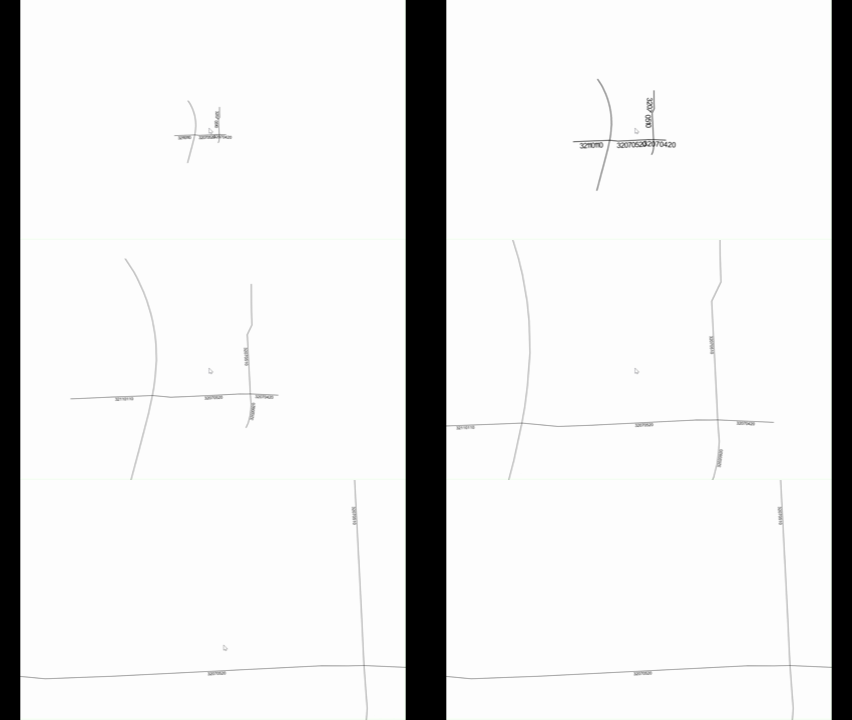
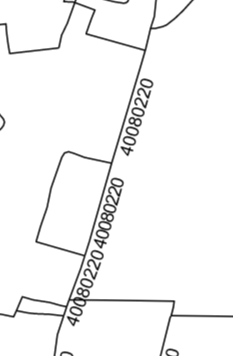
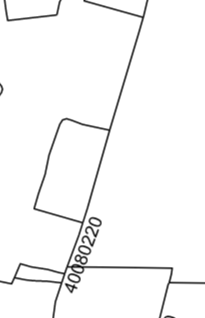
We have following behaviour, there is plenty of space, but some labels appear / disappear randomly, and we cannot figure out why.
// ThinkGeo.UI.Wpf 15.0.0-beta127
var layer = new ShapeFileFeatureLayer(@"...\lines.shp");

var style = new TextStyle("NAME", new GeoFont("Arial", 10, DrawingFontStyles.Regular),
                          new GeoSolidBrush(GeoColors.Black))
{
    TextLineSegmentRatio = 4,
    SplineType           = SplineType.StandardSplining,
    LabelAllLineParts    = true,
    OverlappingRule      = LabelOverlappingRule.AllowOverlapping,
    SuppressPartialLabels = false,
    DuplicateRule        = LabelDuplicateRule.UnlimitedDuplicateLabels,
    OffsetFromLine       = 7,          // Math.Max(outlineWidth + 3 + fontSize / 3, 7)
};

layer.DrawingMarginInPixel = 100;
layer.ZoomLevelSet.ZoomLevel01.DefaultTextStyle = style;
layer.ZoomLevelSet.ZoomLevel01.ApplyUntilZoomLevel = ApplyUntilZoomLevel.Level20;

var overlay = new LayerOverlay
{
    TileType = TileType.MultiTile,     // labels are computed per tile
    TileBuffer = 2,
    DrawingQuality = DrawingQuality.Standard,
};
overlay.Layers.Add(layer);
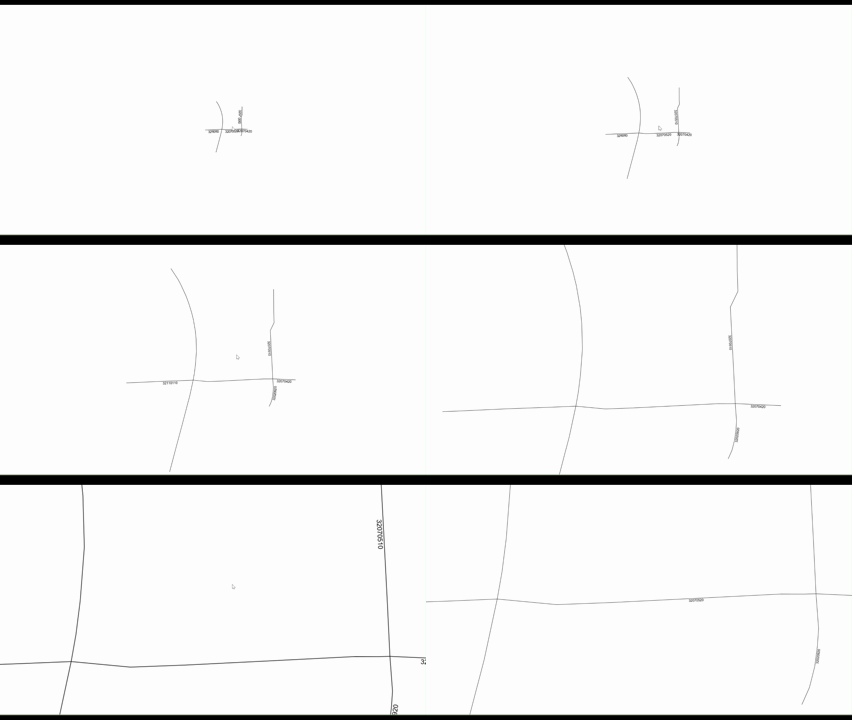
We tried the same on SingleTile and there it works as expected: