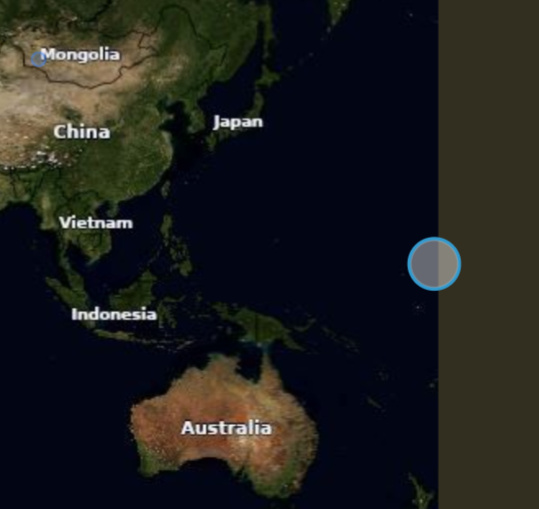
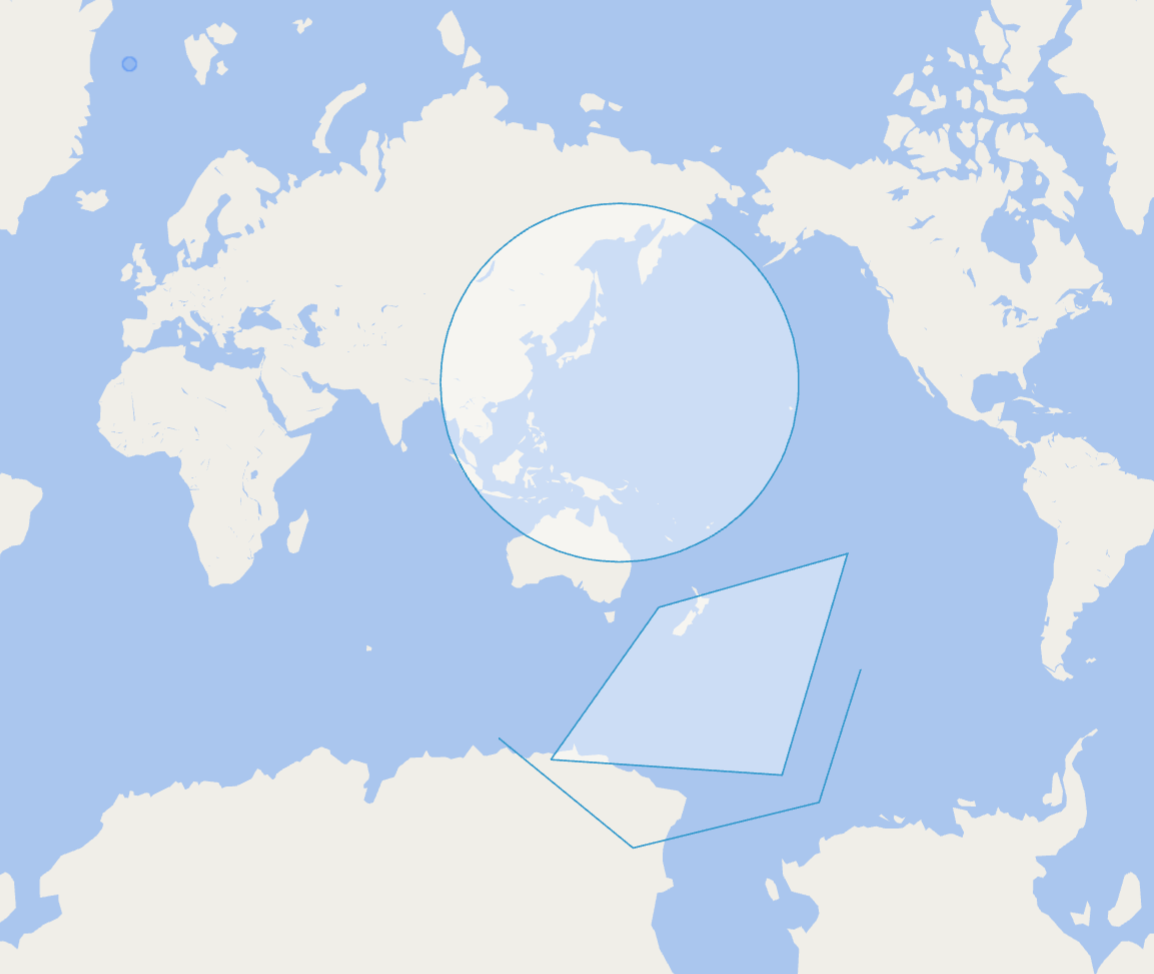
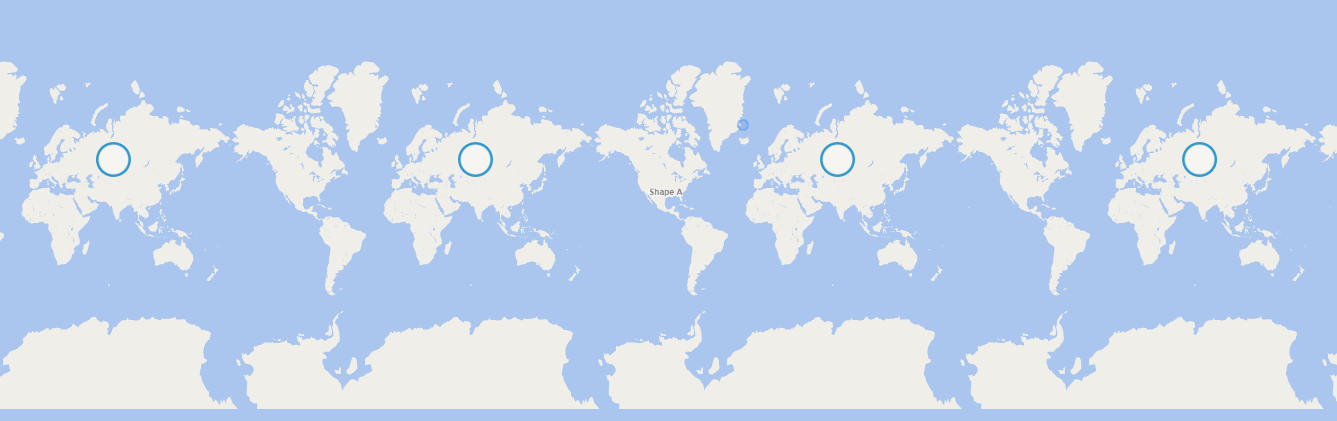
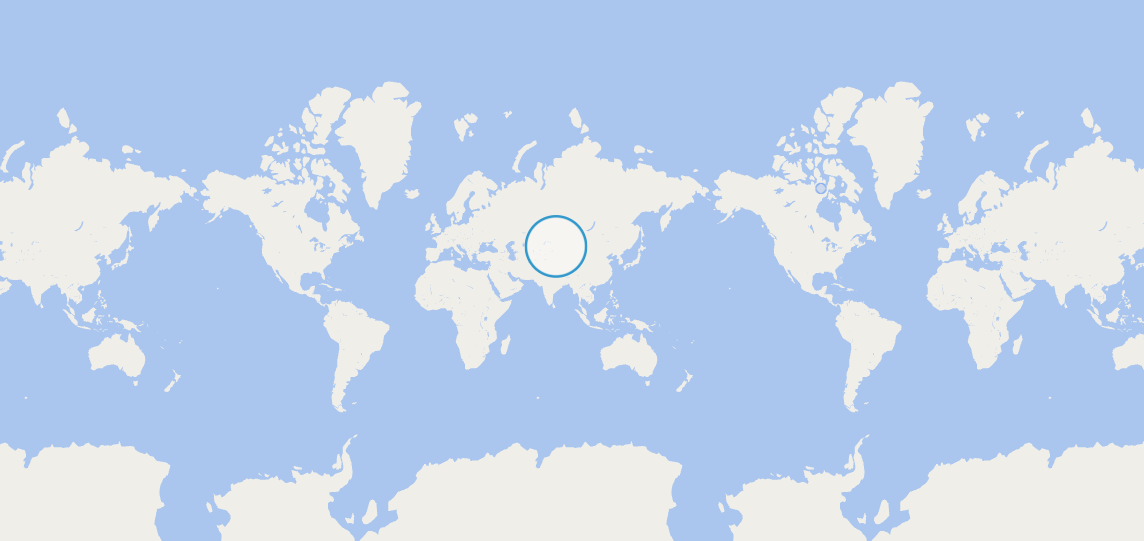
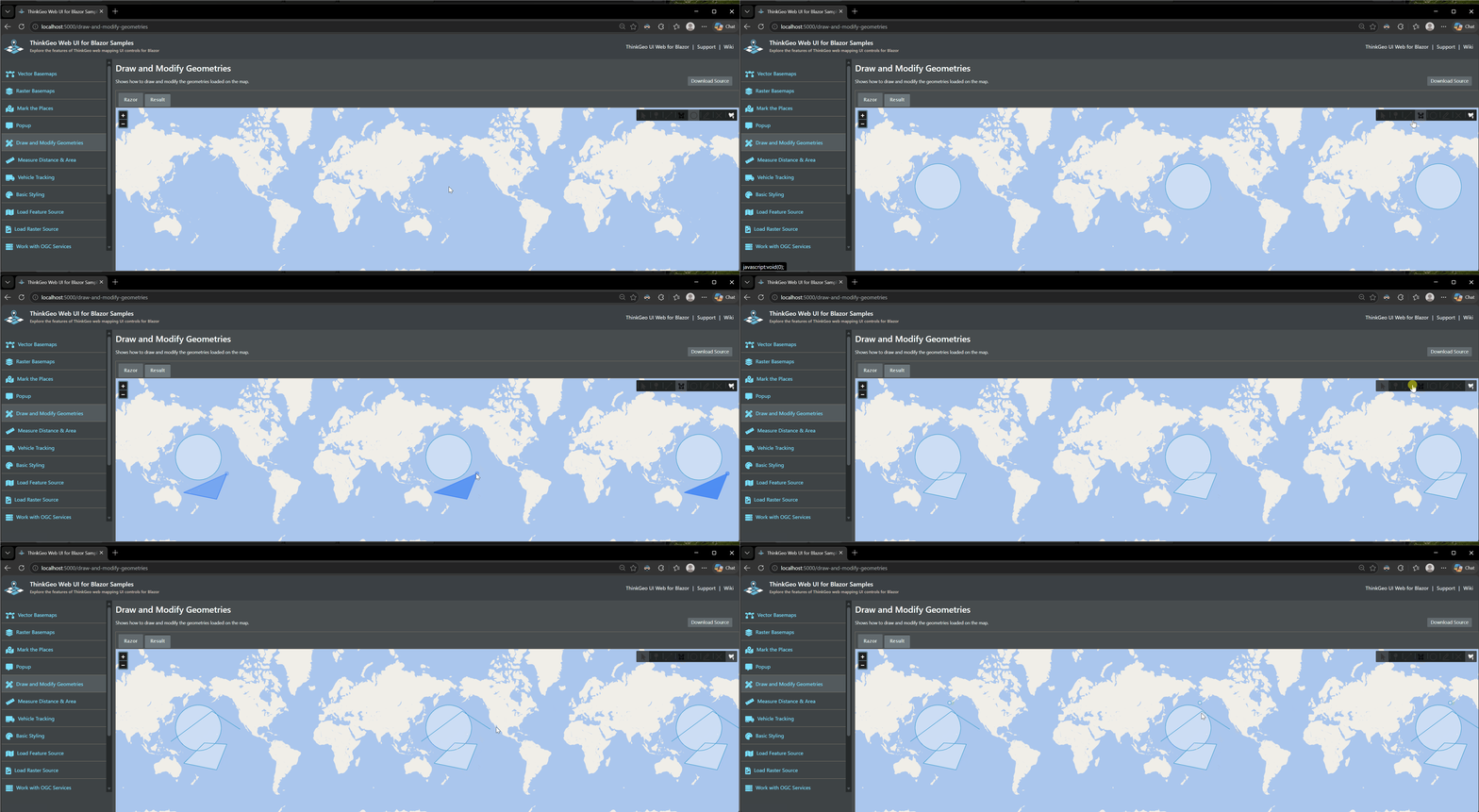
Using the ThinkGeoCloudVectorMapsMapType.Light, center the map over the Pacific Ocean. It does not matter if it is panned East or West. Click the create Circle button and start drawing across the date line. The circle shows as covering the entire map, until you cross the date line then it is correct. See the attached video. Drawing a line or polygon has a similar issue and the line or lines stretch off the screen until the date line is crossed.
This was an issue in version 14 also and persists in the 15 betas, currently using 15.0.0-beta010. This can be reproduce using the Blazor Draw and Modify Geometries Samples and changing the map overlay.
Thanks,
James R.
Drawing Circle.zip (3.2 MB)