ThinkGeo.com    |     Documentation    |     Premium Support

When loading a saved shape, the saved shape is not replicated across all tiles

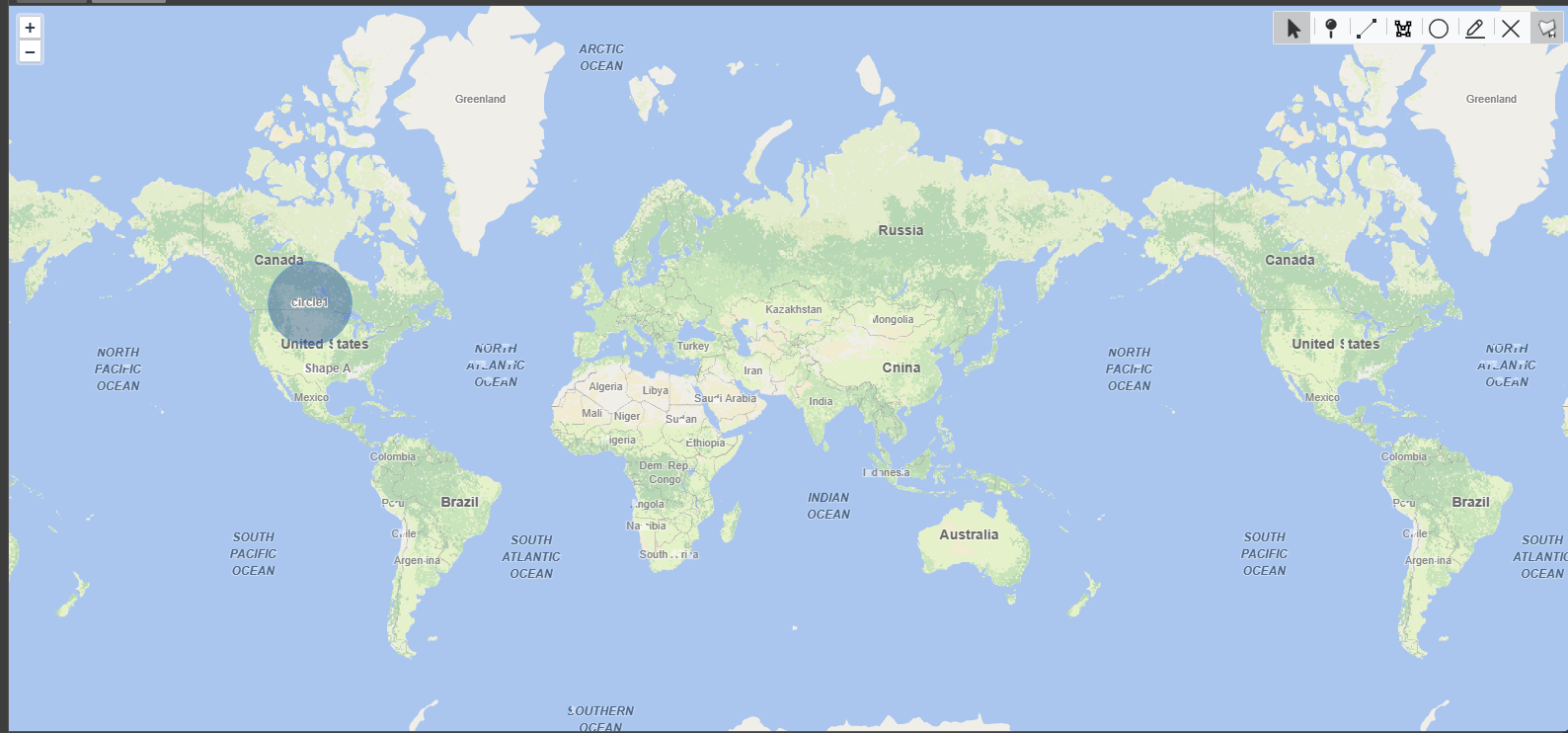
If I create a shape, for instance a circle, it is replicated across the tiles, but when I save it then it is just at the position it was placed. If I draw on a tile beyond the “center tile” then it is not saved and disappears.
This can be replicated using the Draw and Modified Geometries in the Blazor Samples updated the latest 15 beta.
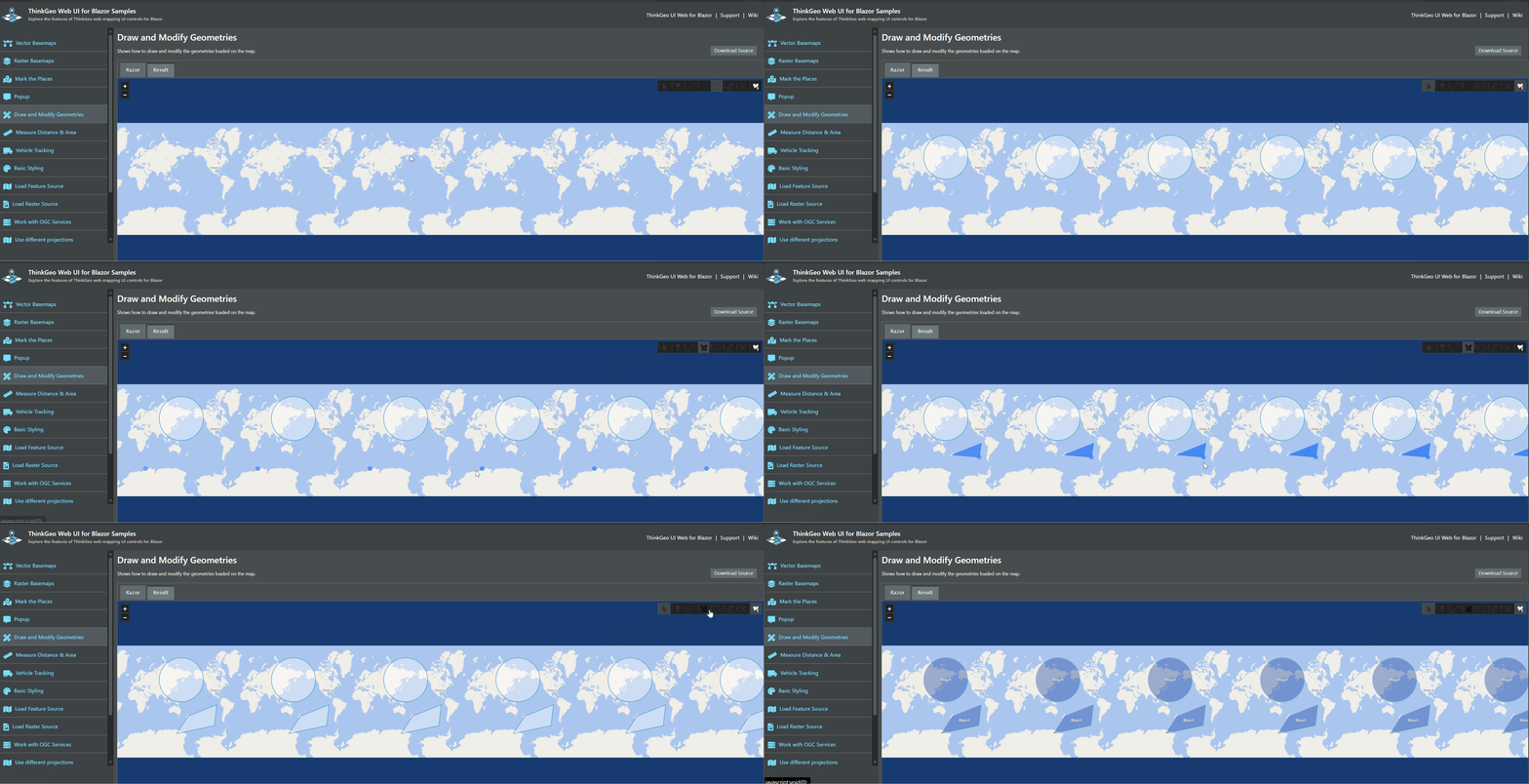
See attached videos.

I can fix the drawing beyond the “center tile” by saving the position at the equivalent point in the center if the replication will work across all tiles.

Drawing Circles.zip (3.7 MB)

Thanks,
James R.
Hi James,

We’ve just made it right, can you upgrade to beta016 and give it another try?

Thanks,
Ben

Ben,

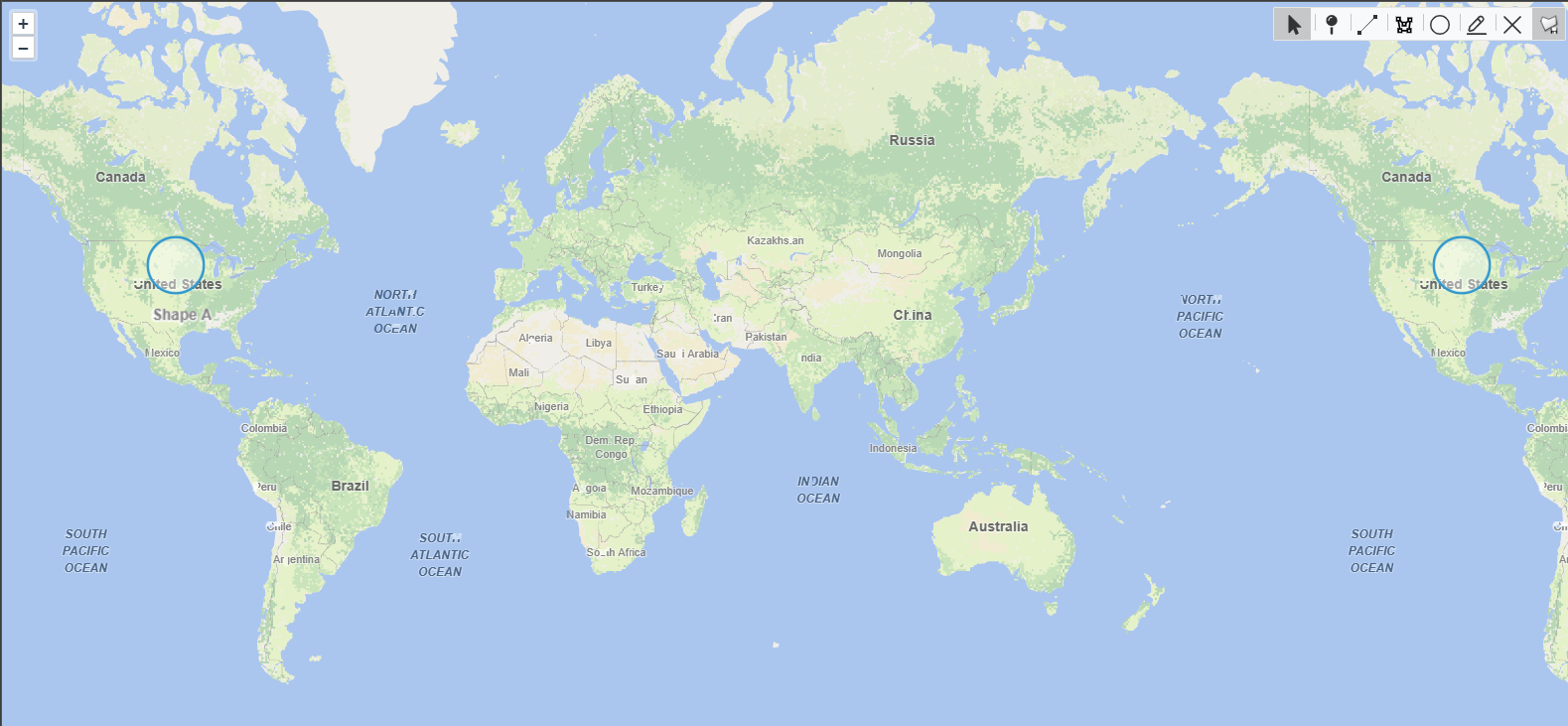
It still seems to be broken.
Before saving:

After saving:

Thanks,
James R.

Hi James,

Sorry, there was something we overlooked. Please pull beta017 and have another try.

Thanks,
Ben

Ben,

After upgrading I am still not seeing it. I am using the version of the samples on GitHub to test. Is there possibly something else those need since they were originally created for an older version?

Thanks,
James R.

Hi James,

Please remove bin / obj folders, and clear up your client-side cache, before rebuilding the sample.

And just make sure you meant GitLab instead of GitHub. https://gitlab.com/thinkgeo/public/thinkgeo-web-maps/-/tree/develop/samples/blazor/HowDoISample. I’d suggest you using the latest dev, but master branch should be working fine (with the latest nuget packages) as well.

Thanks,
Ben

Ben,

I grabbed the latest from GitLab and it works.

Thanks,
James R.

Awesome! :+1:

Thanks,
Ben