ThinkGeo.com    |     Documentation    |     Premium Support

WMTS of OG/API as background

Hi,

Whatever I try, I am not succesfull in showing these maps in my Trial Blazor app.
How does that work in Blazor?

BRT Achtergrondkaart (OGC API)
or
https://service.pdok.nl/brt/achtergrondkaart/wmts/v2_0?request=getcapabilities&service=wmts

Can you help me out, starting with Blazor.

Thanks,
Guido van den Boom

Hi Guido,

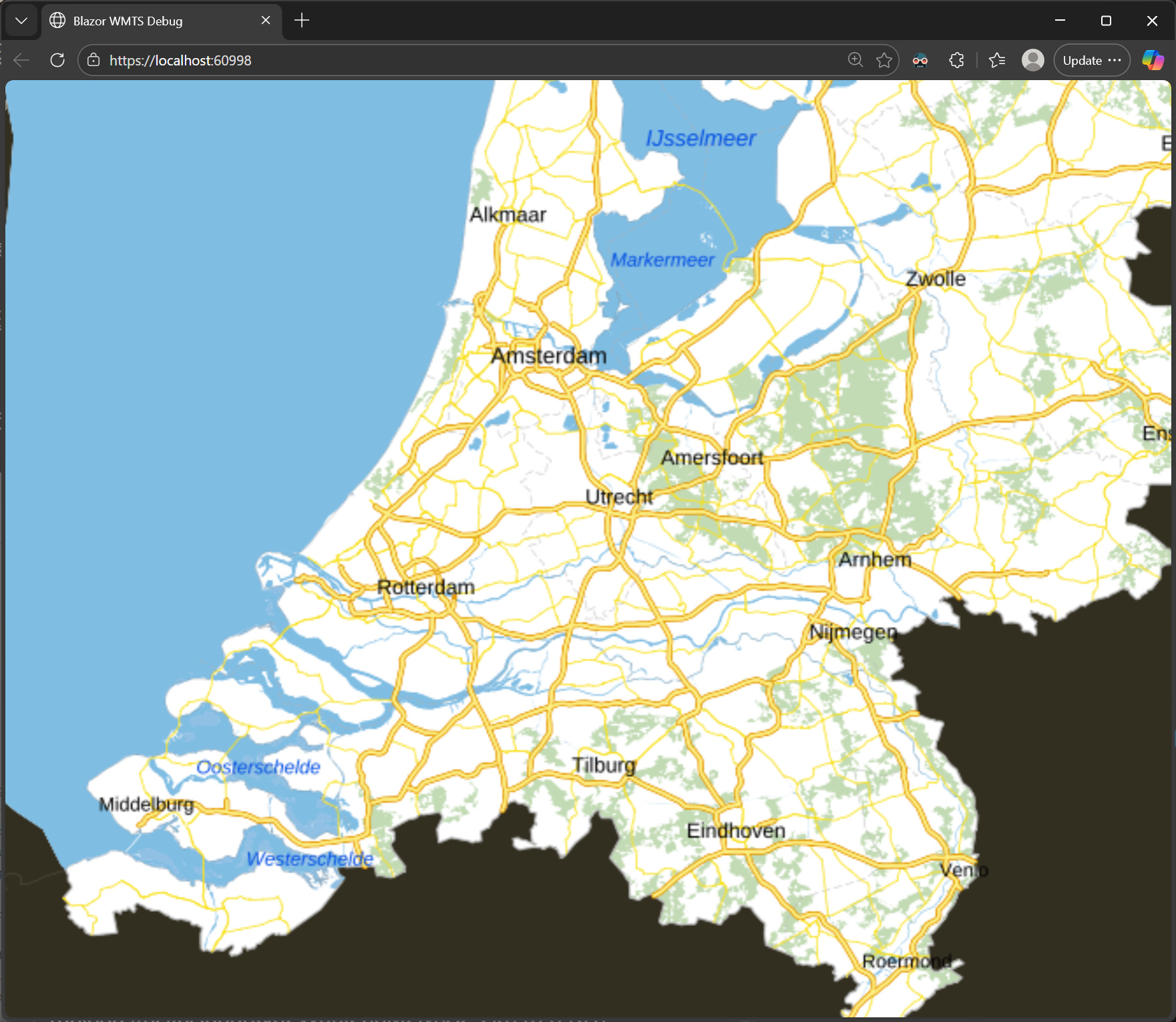
Here is a demo for you consuming https://service.pdok.nl/brt/achtergrondkaart/wmts/v2_0:
BlazorWmtsDebug.zip (5.3 KB)

Thanks,
Ben

Hi Ben,

I changed to latest beta 14.5.0-beta098, which I’m trying out, but then your application fails.
I change my own application to 14.4.4, created a new page and copied your code into that, but still I don’t see anything.
I’m using web-assembly framework. Does that work?

Can you provide a web-assembly bases version that works? And why does the latest beta fail?

Thanks,
Guido

Hi Guido,

There were a few issues introduced specifically in beta098, which have been resolved in later builds such as beta100. Please pull the latest version and give it another try.

In the meantime, we’ll take a deeper look into the WebAssembly framework on our side and keep you posted on any findings.

Thanks,
Ben

Hi Guido,

Here is a WebAssembly sample using the latest beta package of Blazor, please have a look.

BlazorWmts_WASM.zip (4.6 KB)

Thanks,
Ben

Hi Ben,

In your demo app it seems to be working. But I’m unable to make it work in my own application.

Thanks,
Guido

Can you send over your project, or create a demo project recreating the issue? Also, I’m wondering what makes you use WebAssembly, any particular reason?

Hi Ben,

I’m completely new to this blazor stuff. At first I tried to host through Azure WebApp with Servermode, but that didn’t work, so I tried WebAssembly.
At the moment I’m trying the Servermode and I got it working on Azure. So no special reason.
I’m a bit lost by the different versions of thinkgeo script and stylesheet in combination with .NET 8 vs .NET 10 and server vs Wasm.

I’m going to let it rest for a little while because of all the frustrations that come with blazor.
I will come back to you when I have the time to give it another try.

Any suggestions what’s best to use Server vs Wasm, .NET 8 vs .NET 10 etc?

Thanks,
Guido

Hi Guido,

I totally understand. Please just come back whenever it’s convenient for you.

In general:

  • Server vs. WASM — Server is the more traditional approach and is usually the better fit for most projects. WASM runs the C# code directly in the browser through WebAssembly, so it makes more sense when you do not want to rely on a server, for example in offline scenarios.
  • .NET 8 vs. .NET 10 — Use .NET 10 if you can. Otherwise, you will likely end up upgrading later anyway.

Thanks,
Ben