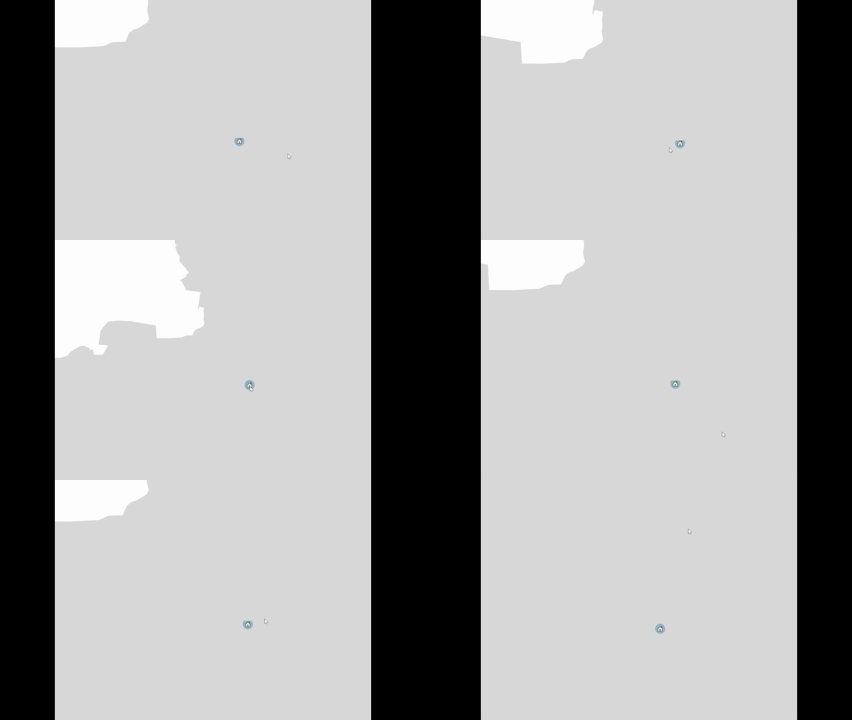
For GPU rendering, we copy that layer’s features and styles into an immutable snapshot. Image point styles take the FeatureLayerTranslator path. The relevant calls from GpuHighlightTranslation.cs are:
New highlights trigger a recomposed style on the existing GPU basemap:
await basemap.SetStyleAsync(style);
The circular outline surrounding newly added image point features is intermittently partially clipped in GPU rendering. The image and circle are separate entries in
ZoomLevel.CustomStyles, translated together using FeatureLayerTranslator.Translate.
Not depth fighting - it’s the shape of the loss: the ring stops on a straight line that is exactly a tile boundary, the missing side shows the map behind it rather than another layer, and whether it happens at all depends only on how far the highlight sits from that boundary. Two separate things, both fixed.
15.0.0-beta169
The ring was cut wherever a tile edge passed within its radius. Tiled geometry is clipped to its tile, and a tile carries features only a little past its own edge - about 8 px of 512 - so a ring wider than that lost the part that reached into the neighbour. A circle now belongs to the one tile that holds its centre, and that tile draws it whole. This is why it looked intermittent: it depended on where the highlight landed relative to a tile edge.
Your accent circle was also painted as a solid translucent disc rather than a ring. The GPU drew a circle as two discs, the outline colour with the fill colour over it - which only looks like a ring when the fill is opaque. GeoColors.Transparent left the outline disc showing. Fill and outline are now drawn in one pass, so a transparent fill gives you the outline you asked for, antialiased like the classic renderer.
Your code needs no change.
One thing to know
PointStyle.CreateSimpleCircleStyle puts the outline outside the symbol size, so the circle spans SymbolSize + 2 * outlineWidth. Your diameter already leaves a gap around the icon, so nothing to adjust - just worth knowing if you tighten it later.
Ha - then take it deliberately, or beta169 will take it away from you: it is the first build where a transparent fill really is transparent, so that disc becomes the thin ring your code actually asks for.
To keep the disc, move the colour from the outline to the fill:
zoomLevel.CustomStyles.Add(
PointStyle.CreateSimpleCircleStyle(
GeoColor.FromArgb(96, 27, 111, 184), // the fill - where the colour used to end up by accident
diameter,
GeoColors.Transparent, // no outline
0f));
Same size, same color, and it stays a disc from here on. Give the last two arguments a color and a width again if you want a rim around it as well.